Resources for Agencies & Brands
Practical guides on using TikTok comment data for sentiment analysis, influencer vetting, competitor research, and campaign strategy.
 Giveaways
How to Verify Instagram Giveaway Entries in a Spreadsheet (Free Download, 2026)
Verify Instagram giveaway entries in Excel or Google Sheets: download the comments free, then use these formulas to count tags, catch duplicates, check answers and deadlines.
 Giveaways
Instagram Giveaway Picker Apps or Export the Comments Yourself? (Free Download, 2026)
Instagram giveaway picker app vs a free comment export: which gives you the entrant list, needs no login, handles limits and proves fairness. Download and compare.
 Use Cases
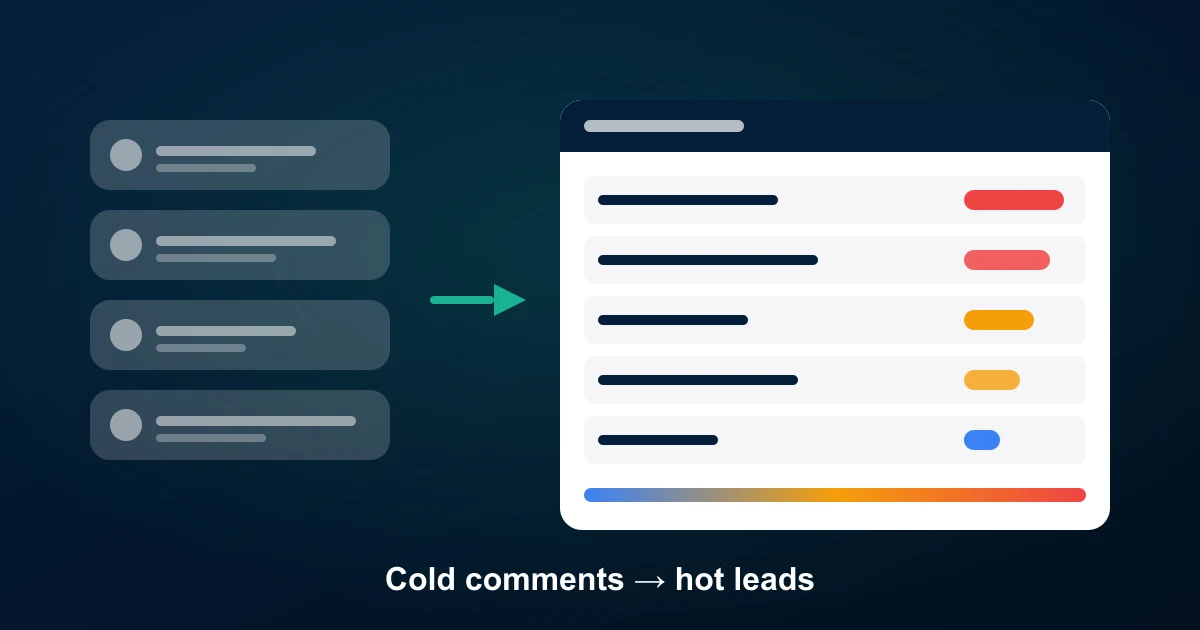
TikTok Comment Export Use Case: How a Seller Turns Cold Leads Into Hot Leads (2026)
A real customer workflow, anonymised: how a TikTok Shop seller uses a free TikTok comment export to score cold commenters, warm them in public, and DM only the hot ones — reply rate went from 2% to 31%. Step-by-step, with the spreadsheet columns.
 Use Cases
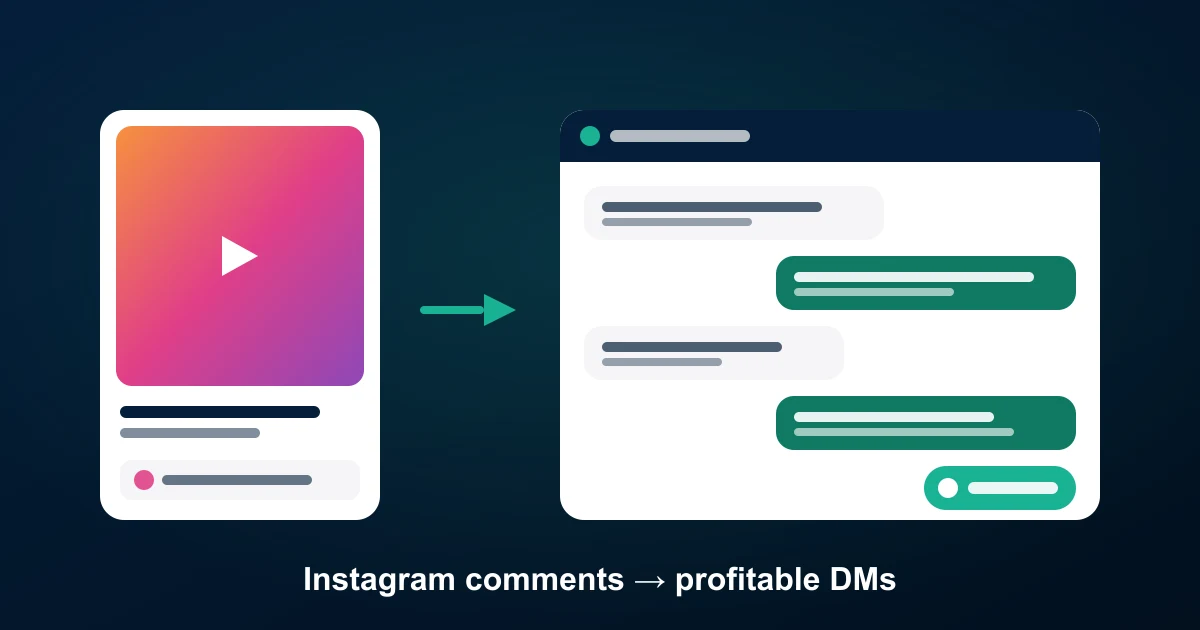
Instagram Comment Export Use Case: More Profit From Direct DMs, Not More Ads (2026)
How a small Instagram boutique uses a free Instagram comment export to sell by DM instead of boosting posts — three DM lanes (buyers, askers, past customers), margin tracked per message, and a month where DM orders out-earned paid reach. Copyable workflow.
 Instagram
Instagram Comment Download — Free CSV, Excel & JSON (2026)
Download the comments on any public Instagram post, reel or carousel as CSV, Excel or JSON — free for the first 100 per post, no login and no Graph API. Step-by-step for 2026, plus what to do with the file.
 Facebook
Facebook Comment Download — Free CSV, Excel & JSON (2026)
Download the comments on any public Facebook post, video or Page update free — CSV, Excel or JSON, first 100 per post at no cost, no login and no app review. The 2026 walkthrough.
 Guide
GuideHow to Export Instagram Reels Comments to CSV, Excel or JSON
Instagram Reels comments live behind an infinite-scroll panel with no export button. Here is how to pull every comment from a Reel into a spreadsheet in about a minute, what each column means, and how to analyse the result.
 Guide
GuideGoogle Reviews Competitor Analysis: Read Their Reviews, Find Your Opening
Your competitors publish thousands of unfiltered customer interviews on Google Maps. Here is how to export a competitor set, build a complaint map, track rating velocity, and turn all of it into positioning that actually differentiates.
 Guide
GuideBest Instagram Comment Exporter: 6 Tools Compared for CSV, Excel & JSON (2026)
Six Instagram comment exporters side by side — what each one costs, how many comments you actually get per post, which formats they return, and whether replies come with them. Includes the official Graph API and a no-signup option.
 How-to
How to Export Google Reviews to CSV, Excel & JSON (2026 Guide)
How to export Google reviews to CSV: three methods compared — the Places API 5-review cap, manual copy-paste, and a Google Maps place link exporter that pulls every review with star rating, translation, photos and owner replies.
 Guide
GuideWhy the Google Places API Only Returns 5 Reviews (and How to Get All of Them)
The Google Places API returns a maximum of 5 reviews per place, with no pagination. Here is why the limit exists, what the Business Profile API can and cannot do, and three working ways to collect every review for any place.
 Guide
GuideHow to Detect Fake Instagram Comments: Bots, Pods & Bought Engagement (2026)
A practical, data-driven method for spotting fake Instagram comments — bot comments, engagement pods and purchased engagement — using an exported comment CSV. Ten checks with thresholds, a worked example, and how brands, agencies and creators use it to vet influencers.