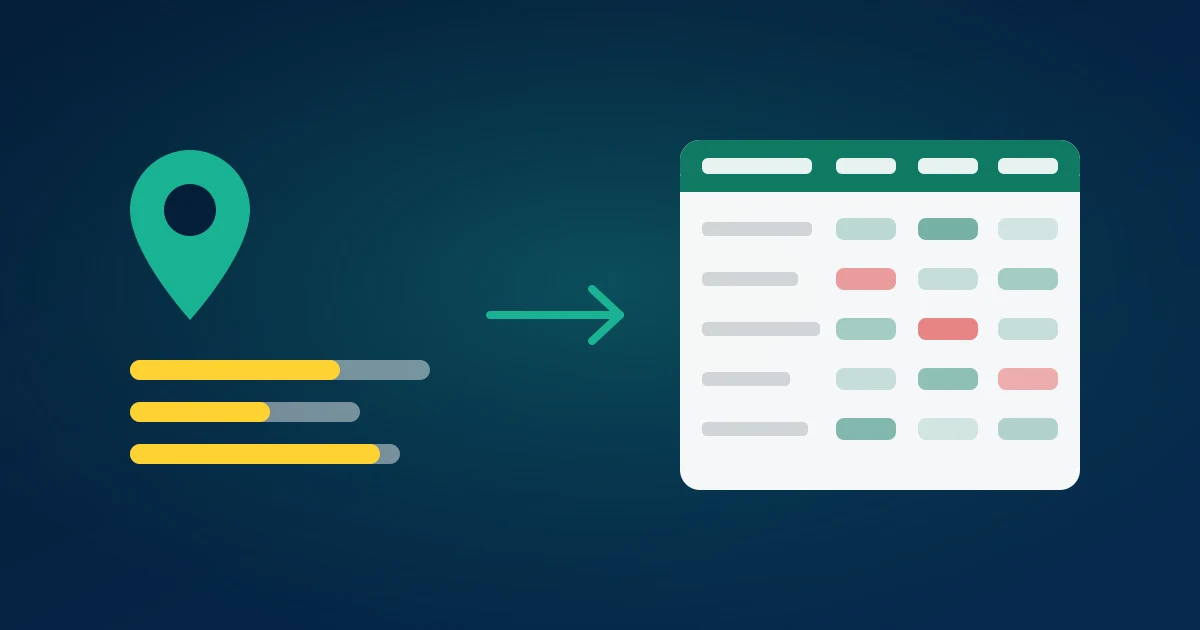
Every competitor you have is running a permanent, public, unmoderated customer research programme on your behalf. It is called their Google reviews. Hundreds or thousands of customers describing exactly what they bought, what went wrong, what they expected, and what would have made them choose someone else — written voluntarily, at emotional peak, and published where anyone can read them.
Almost nobody reads them systematically. This guide is a working method for Google reviews competitor analysis: how to pick the competitor set, get the reviews out of Maps and into a spreadsheet, and turn a few thousand rows into a complaint map, a rating trend, and a positioning decision you can act on.
Why competitor reviews beat most research you pay for
Consider what a review is compared with the alternatives. A survey asks the questions you thought to ask, of people willing to answer a survey, at a moment when nothing is happening. A focus group gives you eight people performing opinions for a moderator. A review is written unprompted, by someone with a reason to write, about the thing that actually mattered to them.
They are also written in the customer's vocabulary, which is worth more than it sounds. The phrases people use in reviews are the phrases they type into search boxes and the phrases that make ad copy land. You do not have to invent language when a thousand customers have already tested it.
And the volume is real. Google reviews carry weight in local ranking — the Places data model exposes rating and total review count on every listing, and those two fields drive a large share of what a prospect sees before they ever visit a website. Which means competitors have every incentive to accumulate reviews, and every accumulated review is another page of research for you.
The catch is retrieval. Google Maps shows reviews in a lazy-loading panel with a coarse sort control and no search, no filter and no export. Reading 800 reviews in that interface is a lost afternoon with nothing written down at the end.
Step 1 — Choose the competitor set
Resist the urge to export twenty places. Three to five is the right number, chosen deliberately:
- The direct rival — same offer, same price band, same catchment. Their complaints are the ones you can steal customers over.
- The cheaper option — tells you what customers give up to save money, and therefore what your premium has to be worth.
- The premium option — tells you what people expect when they pay more, and whether they feel they got it.
- The category leader — the one with 2,000 reviews and a 4.7. Their reviews are the specification for what "very good" looks like in your category.
- Yourself — always include your own listing. Half the value of this exercise is the side-by-side, and you cannot do it without your own baseline.
For multi-location businesses, pick locations, not brands. A chain's reviews are location-specific, and averaging across a region hides exactly the operational variation you are looking for.
Step 2 — Get the reviews into a spreadsheet
Two paths exist, and only one of them works for competitors.
The API path does not. Place Details returns a maximum of five reviews per place, with no page token and no way to buy your way past it. The Business Profile API returns everything, with pagination — but only for locations your Google account has verified ownership of, which by definition excludes every competitor. The full explanation is in why the Places API only returns five reviews.
The export path does. Open the competitor's listing in Google Maps, use Share → Copy link, paste the link into the Google Reviews exporter, and download the file. No API key, no Cloud project, no OAuth, no ownership requirement. The first 100 reviews of any place are free with no signup; larger places paginate until the reviews run out. Step-by-step detail lives in how to export Google reviews to CSV.
Repeat once per place. Add a place column to each file before you combine them — without it, a merged sheet is useless, and adding it afterwards is tedious.
What you get per review: the star rating as a sortable number, the review text plus Google's translation where the original is not in your language, a real publish timestamp rather than "3 months ago", the owner's reply and reply date, photo URLs, the review URL, and reviewer credibility signals such as lifetime review count and Local Guide level.
Step 3 — Build the complaint map
This is the core of the analysis and where most of the value sits.
Filter every competitor file to reviews of 1 and 2 stars. Read them — actually read them, not a summary — and tag each with a short theme: wait time, rude staff, wrong item, price surprise, booking failed, quality declined. Twenty or thirty themes will cover almost everything; resist creating a new theme for every review. Then count by theme and by place.
The output is a grid: themes down the side, competitors across the top, counts in the cells. That grid is the most useful single artefact this exercise produces, and it answers questions immediately:
- A theme that is high for one competitor and low for everyone else is that competitor's specific failure. It is a targetable weakness — and if your own count for that theme is zero, it is a claim you can make honestly.
- A theme that is high across every place including yours is a category-wide problem. Solving it is not a differentiator, it is a category redefinition, and those are the rare, valuable ones.
- A theme that is high for you and low for others is your homework. Nobody enjoys finding it, and it is the most immediately profitable output of the day.
Two refinements make the map sharper. Weight by recency: a complaint theme concentrated in the last six months is a live operational problem, while one that stops eighteen months ago is a fixed problem you should not build positioning around. And weight by review length: a two-hundred-word 1-star review is a customer who cared enough to write an essay, and those reviews contain the specifics — names, times, sequences — that a one-line "terrible" never will.
Step 4 — Read the 5-star reviews too
Teams stop at the complaints and lose half the value. Positive reviews tell you what a competitor is genuinely good at, and that information sets the floor for what you have to match before any of your advantages register with a customer.
Look for what gets praised by name. Reviews that name a specific person — a manager, a technician, a stylist — mean the experience depends on individuals rather than systems. That is fragile: it is very good when that person is working and unremarkable when they are not, and it also means the competitor is vulnerable to losing them.
Look for the recurring adjective. If forty reviews say "quick", speed is what that place sells, whatever their website says. If forty say "they explained everything", they are selling reassurance. That recurring adjective is the competitor's actual positioning as experienced by customers, and comparing it against their advertised positioning is often the most revealing five minutes of the exercise.
Step 5 — Track rating velocity, not just rating
A star rating is an average over a listing's entire history, which makes it a lagging, heavily damped indicator. A place with 2,000 reviews at 4.6 can deliver six months of mediocre service and barely move the number. Velocity sees what the average hides.
With published_at in the export, group reviews by month and compute two series per competitor: the count of reviews and the mean rating for that month. Then look for:
- Falling monthly mean while the headline average holds. The clearest early signal of decline available anywhere, and it is invisible on the listing.
- A sudden spike in review count. Either a marketing push worth understanding, or a review-solicitation campaign worth being sceptical of.
- A cluster of 5-star, one-line, no-photo reviews from accounts with a single lifetime review. That pattern is what review manipulation looks like, and Google's prohibited and restricted content policy bans it. The reviewer-history columns in the export are what let you spot it.
- A step change after a specific month. New management, a renovation, a supplier change. The reviews around the step usually say which.
Ongoing, this is cheap to maintain: pull the aggregate rating and review count monthly, and run a full export only when the series moves. Aggregates tell you that something changed; the review text tells you what.
Step 6 — Audit their replies
The owner_reply and reply-date columns are an underused free read on how a competitor is run. Compute reply rate overall, reply rate on negative reviews specifically, and median days to reply.
Google's own guidance on responding to reviews treats replies as a standard part of managing a profile, and prospective customers read them. A competitor who never replies to 1-star reviews is leaving every complaint standing unanswered on the page a prospect reads before choosing. A competitor whose replies are copy-pasted boilerplate is arguably worse. If you reply properly, that is a visible difference at the exact moment of decision — and it costs nothing but attention.
Step 7 — Turn it into decisions
A complaint map that does not change anything was entertainment. Force the output into four buckets:
Positioning. One competitor weakness you are provably better at, stated in customer language taken from the reviews themselves. Not "premium service" — "we answer the phone", if forty of their reviews complain that nobody does.
Operations. Your own top complaint theme, with an owner and a date. This is the bucket people skip and the one with the highest return.
Content and ads. The recurring questions and objections in review text, answered on your site. Review vocabulary is search vocabulary; the phrases customers repeat are the phrases worth ranking for.
Watchlist. The velocity series, checked monthly. Cheap to maintain, and it tells you when to re-run the full analysis.
The same discipline applies to social comment analysis — the platform changes, the method does not. Analysing Facebook comments and Instagram comment sentiment analysis use the same tag-count-decide loop on different data.
Where the boundaries are
Three lines are worth stating plainly, because this is an area where enthusiasm outruns judgement.
Analyse, do not republish. A review belongs to its author. Reading a competitor's reviews to inform your strategy is ordinary market research; lifting review text onto your own site as a testimonial is not, and Google's content policies govern republication on the platform.
Mind the personal data. Reviewer names, avatars and profile links are personal data under GDPR and comparable regimes. A complaint map does not need them. Drop those columns after export and keep rating, text, date, language and reply — the analysis is identical and the compliance surface is much smaller.
Never touch their reviews. Posting fake negatives, mass-reporting legitimate reviews, or incentivising positives for yourself are all prohibited, and enforcement against listings is real. The legitimate play is unglamorous and works: find the complaint that appears in forty of their reviews, be genuinely better at that thing, and say so in the words their customers used.
What a finished analysis looks like
For a five-place set at a few hundred reviews each, expect a day's work the first time and half a day thereafter. The deliverable is small: a complaint grid, two velocity charts, a reply-rate table, and one page of decisions with owners against them. Nobody needs a forty-slide deck; the grid does the arguing.
The value shows up in the specificity of what comes next. Marketing stops writing "quality service you can trust" and starts writing the sentence forty of a competitor's customers wished were true. Operations stops guessing which fix matters and works the theme with the highest count. And when the monthly velocity series moves, you already know how to find out why.
Summary
Competitor reviews are the cheapest high-quality customer research available, and the only hard part is getting them out of Google Maps. The Places API caps at five reviews and the Business Profile API only covers listings you own, so the working route for competitors is a place-link export: paste the Maps share link into the Google Reviews exporter, take the CSV, and build a complaint map, a velocity series and a reply audit across three to five places. Read the 1-stars for openings, the 5-stars for the standard you must match, and the timestamps for what is happening now. Related: export Google reviews to CSV · the Places API 5-review limit · Instagram competitor analysis.