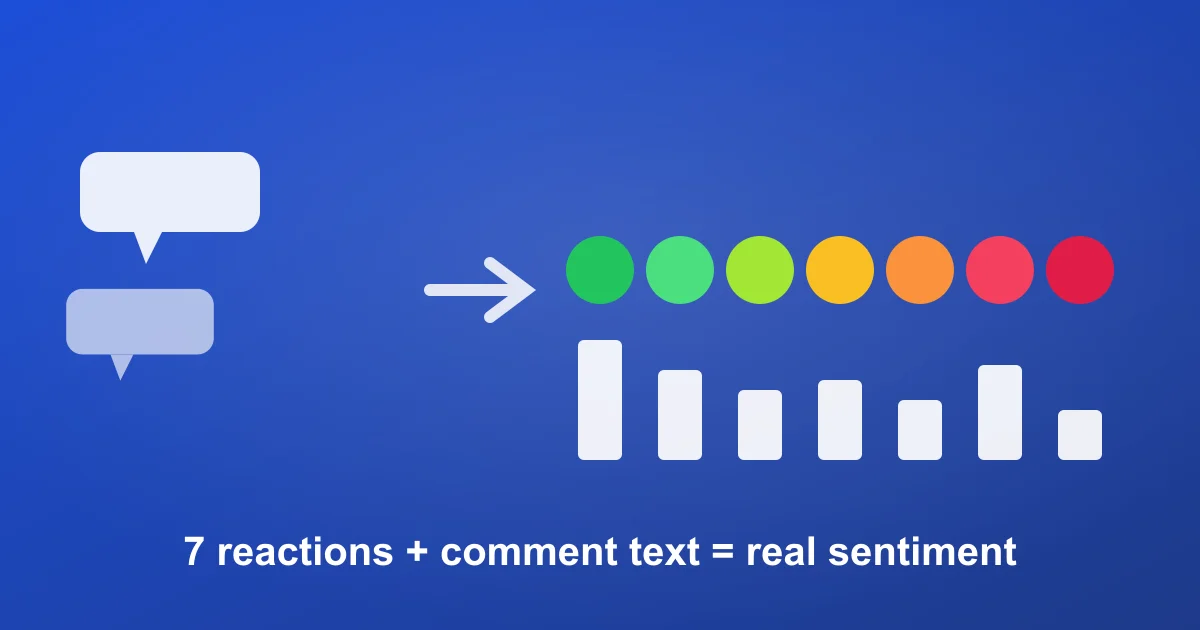
Facebook has something TikTok and Instagram don't: seven distinct reaction types attached to every post and comment. That makes a Facebook comment export one of the richest sentiment datasets in social — if you analyze it properly. With over 3 billion monthly active users, public pages, Reels, and ad posts accumulate the kind of comment volume that only becomes useful once it's structured and read.
This is a step-by-step workflow for turning a raw Facebook comment export into sentiment, themes, purchase intent, and competitor/ad insight — by hand or with AI.
Step 1 — Export a clean dataset
Paste any public page post, Reel, or video URL into the Facebook comment exporter and download CSV or JSON. The export includes comment text, author, reply count, timestamp, and — critically — all seven reaction counts as separate columns (reactions_like, love, wow, haha, sad, angry, care). Free tier: 100 comments per post, no login. Full walkthrough: how to export Facebook comments.
Step 2 — Clean and structure
- Remove spam and engagement-bait (link drops, "follow my page", copy-paste chains).
- Split top-level comments from replies if your questions differ for each.
- Add working columns: Sentiment, Theme, Intent.
Step 3 — Use reactions as a sentiment shortcut
This is the Facebook-specific advantage. Before reading a single comment, the reaction columns already encode emotion. Add a quick sentiment proxy:
- Positive weight = Love + Care + Like + Haha (context-dependent)
- Negative weight = Angry + Sad
- Wow = high-arousal, polarity unclear — read these manually
A simple =(love+care+like) - (angry+sad) column, sorted, surfaces the most loved and most resented comments in seconds — a read you can't get on platforms with a single "like".
Step 4 — Score comment-text sentiment
Reactions are a proxy; the text is the truth. For under ~100 comments tag +1 / 0 / −1 by hand. For more, use positive/negative keyword lists with a SEARCH/COUNTIF formula. Then compare text sentiment against reaction sentiment — where they diverge (loved comment, negative text, or vice versa) is usually the most revealing content on the post.
Step 5 — Extract themes
Cluster into recurring topics: product questions, price objections, shipping/service complaints, praise/proof, and feature or restock requests. On Facebook specifically, watch for customer-service threads — unanswered complaint clusters on a page are both a CX problem and a competitor-positioning opportunity.
Step 6 — Measure purchase intent
Flag buying-signal phrases ("where can I get this", "price?", "link in bio?", "just ordered"). Intent rate per post tells you which content actually drives demand. On boosted/ad posts this is the single most useful metric — it ties a specific creative to bottom-funnel behavior.
The highest-value use: competitor ad teardowns
Find a competitor's ad in the Facebook Ad Library, grab the post URL, and export its comments. The objections, questions, and complaints under a competitor's paid creative are a free, honest focus group for your own positioning — what the market dislikes about the leading product, in customers' own words. Pair it with comment-based competitor analysis for the cross-platform picture.
Manual vs AI analysis
| Dimension | Manual / spreadsheet | AI analysis |
|---|---|---|
| Time for 5,000 comments | Hours to a day | Minutes |
| Reaction + text cross-read | Manual formula work | Automatic |
| Consistency | Drifts as you tire | Uniform across the set |
| Purchase-intent scoring | Manual keyword flags | Automatic, per comment |
| Best for | One post, full transparency | Many ads/pages, ongoing tracking |
The fast path: automated analysis
ZocialComment's AI comment analysis runs steps 4–6 automatically — sentiment, purchase-intent percentage, audience estimates, themes, and a bot-authenticity score — across one post or a batch of competitor ads. It's included in the 3-Day Pro Pass. The same six-step method applies on TikTok and Instagram.
Frequently asked questions
Do I need to log into Facebook to analyze comments?
No. The export reads the same public HTML anyone can see on the post URL — your account is never used. It works on public page posts, Reels, and videos, not private groups or profiles.
Are the reaction breakdowns really separate columns?
Yes — all seven (like, love, wow, haha, sad, angry, care) export as individual columns, which is what makes the reaction-based sentiment shortcut in step 3 possible.
Can I analyze comments on a competitor's Facebook ads?
Yes, if the ad's post is public. Find it via the Facebook Ad Library, copy the post URL, export, and analyze — this is the highest-ROI use of the workflow.
Is AI comment analysis free?
Exporting is free; AI analysis is included in the 3-Day Pro Pass. The manual workflow above runs on a free export.
How many comments do I need?
100–300 for a directional read, 1,000+ for confident comparisons across posts or ads. Keep the methodology identical between posts.
Run your first analysis
Export one public Facebook post free via the Facebook exporter, build the reaction-sentiment column in step 3, then turn on AI analysis when you're ready to run it across a whole set of competitor ads instead of one post.