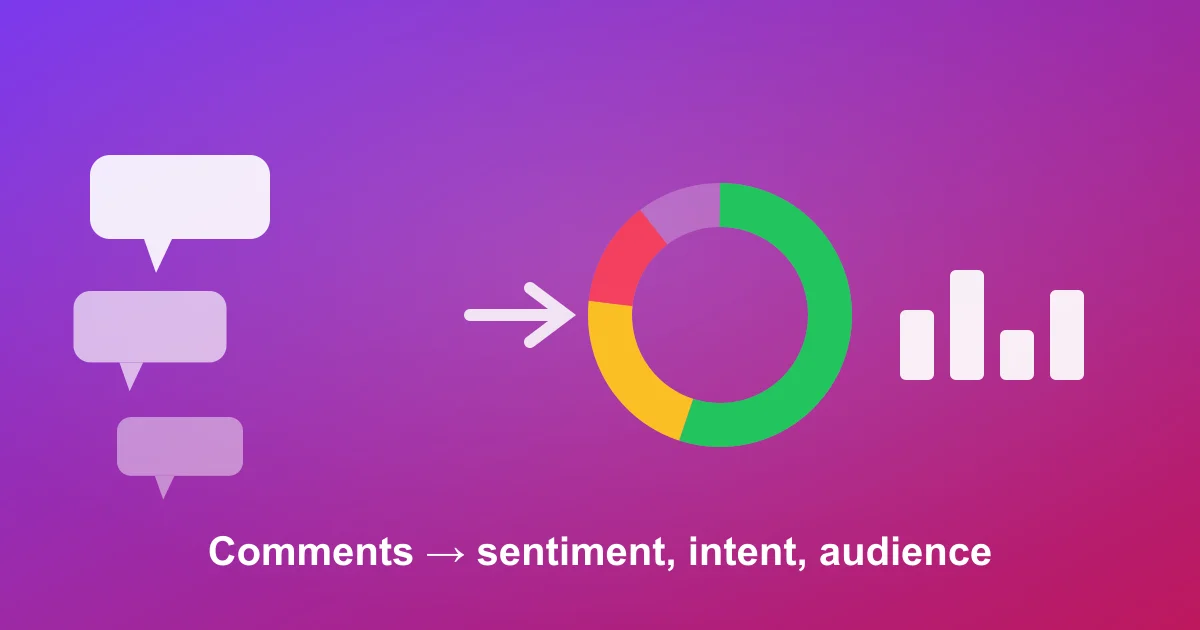
Pulling Instagram comments into a spreadsheet is the easy half. The value is what you do next: reading thousands of one-line reactions as a clear signal on how an audience feels, what they want, who they are, and which creators actually move them. This is a repeatable analysis workflow you can run by hand or automate.
Instagram is one of the most comment-dense platforms for brand content, and the Instagram Platform API only returns comment data for accounts you own or manage — so for competitor posts, influencer audits, or campaign teardowns, an export plus your own analysis is the only path.
Step 1 — Export a clean dataset
Start with the raw comments. Paste any public post or Reel URL into the Instagram comment exporter and download CSV or JSON. You get @username, comment text, like count, reply count, timestamp, verified status, and the @mentions/hashtags parsed out of each comment — every column you'll need below. The free tier covers 100 comments per post, enough to learn the workflow before scaling. (Walkthrough: export Instagram comments to Excel.)
Step 2 — Clean and structure
- Drop obvious spam and bot comments (identical repeated text, "check my page", giveaway-bait emoji strings). Sort by comment text to spot duplicates fast.
- Separate genuine engagement from tag-bait — comments that are only @mentions with no text are reach behavior, not sentiment, and should be analyzed separately.
- Add three working columns: Sentiment, Theme, and Intent.
Step 3 — Score sentiment
The headline question: what share of the audience is positive, neutral, or negative? For under ~100 comments, tag each +1 / 0 / −1 by hand and chart the split. For larger sets, build positive ("obsessed", "need this", "where to buy") and negative ("overpriced", "scam", "disappointing") keyword lists and auto-tag with a SEARCH/COUNTIF formula. It's crude on sarcasm but scales to thousands of rows in minutes.
Step 4 — Extract themes
Sentiment is how people feel; themes are why. Cluster comments into recurring topics:
- Product questions — "shade range?", "is it refillable", "ships to UK?"
- Price objections — "too expensive", "wait for a sale"
- Proof / praise — before/afters, "had this for a year", repurchase mentions
- Requests — restocks, missing sizes/shades, feature asks
A theme in 15%+ of comments is a content idea, an FAQ, or a product-roadmap signal — not noise.
Step 5 — Measure purchase intent
The metric most teams skip and the one that connects comments to revenue. Flag buying-signal phrases: "where to buy", "link?", "restock pls", "adding to cart", "code?". The intent rate per post — and how it differs across creatives — tells you which content drives demand, not just likes.
Step 6 — Use Instagram-specific signals
Two columns Instagram exports give you that are uniquely useful:
- @mentions — tag frequency is an organic-reach and word-of-mouth signal. Rank the most-tagged accounts: they're either advocates worth engaging or micro-influencers worth a partnership.
- Verified status + commenter handles — for influencer vetting, an authentic creator's comment section is full of real handles asking specific questions; a bought audience is generic praise, emoji spam, and dead accounts. The comment data exposes this faster than follower count ever will.
Manual vs AI analysis
| Dimension | Manual / spreadsheet | AI analysis |
|---|---|---|
| Time for 5,000 comments | Hours to a day | Minutes |
| Sarcasm & slang | Good if you read every row | Strong with modern models |
| Consistency | Drifts as you tire | Uniform across the set |
| Purchase-intent scoring | Manual keyword flags | Automatic, per comment |
| Best for | One post, full transparency | Campaigns, ongoing tracking |
Do the manual pass once so you understand what the numbers mean — then let AI handle the repetition across posts and creators.
The fast path: automated analysis
ZocialComment's AI comment analysis runs steps 3–6 automatically — sentiment breakdown, purchase-intent percentage, audience estimates, discussion themes, and an authenticity score that flags likely bot comments — across one post or many. AI analysis is included in the 3-Day Pro Pass. The same workflow applies on TikTok — see how to analyze TikTok comments.
Frequently asked questions
How many comments do I need for the analysis to be meaningful?
100–300 per post for a directional read; 1,000+ for confident sentiment splits you compare across posts. Keep the method identical between posts so the comparison is valid.
Can I analyze comments from multiple Instagram posts together?
Yes — export each post (one URL per export), add a "post" column so you can still segment, then analyze the combined set.
Is AI comment analysis available on the free tier?
No. Exporting is free; AI analysis is included in the 3-Day Pro Pass. The full manual workflow above runs fine on a free export.
Can I analyze reply threads, not just top-level comments?
The export includes a reply-count column so you can weight active threads. Full reply-to-reply text requires Graph API admin access; for sentiment and intent the top-level set is usually sufficient.
Run your first analysis
Export one post free via the Instagram exporter, walk steps 2–6 in a spreadsheet to learn what to look for, then switch on AI analysis when you're ready to do it across a campaign instead of one post.