Instant TikTok Comment Viewer
Paste any public TikTok video URL and read every comment and reply, in order, without logging in. Search the thread, sort by likes, save it as a spreadsheet if you need to.
Works with
10,500+
users
10,800+
exports delivered
2.5M+
comments in 30 days
The whole thread, start to finish
Three screenshots of the actual tool exporting a real TikTok post — not a mockup, not a redesign of what we wish it looked like.
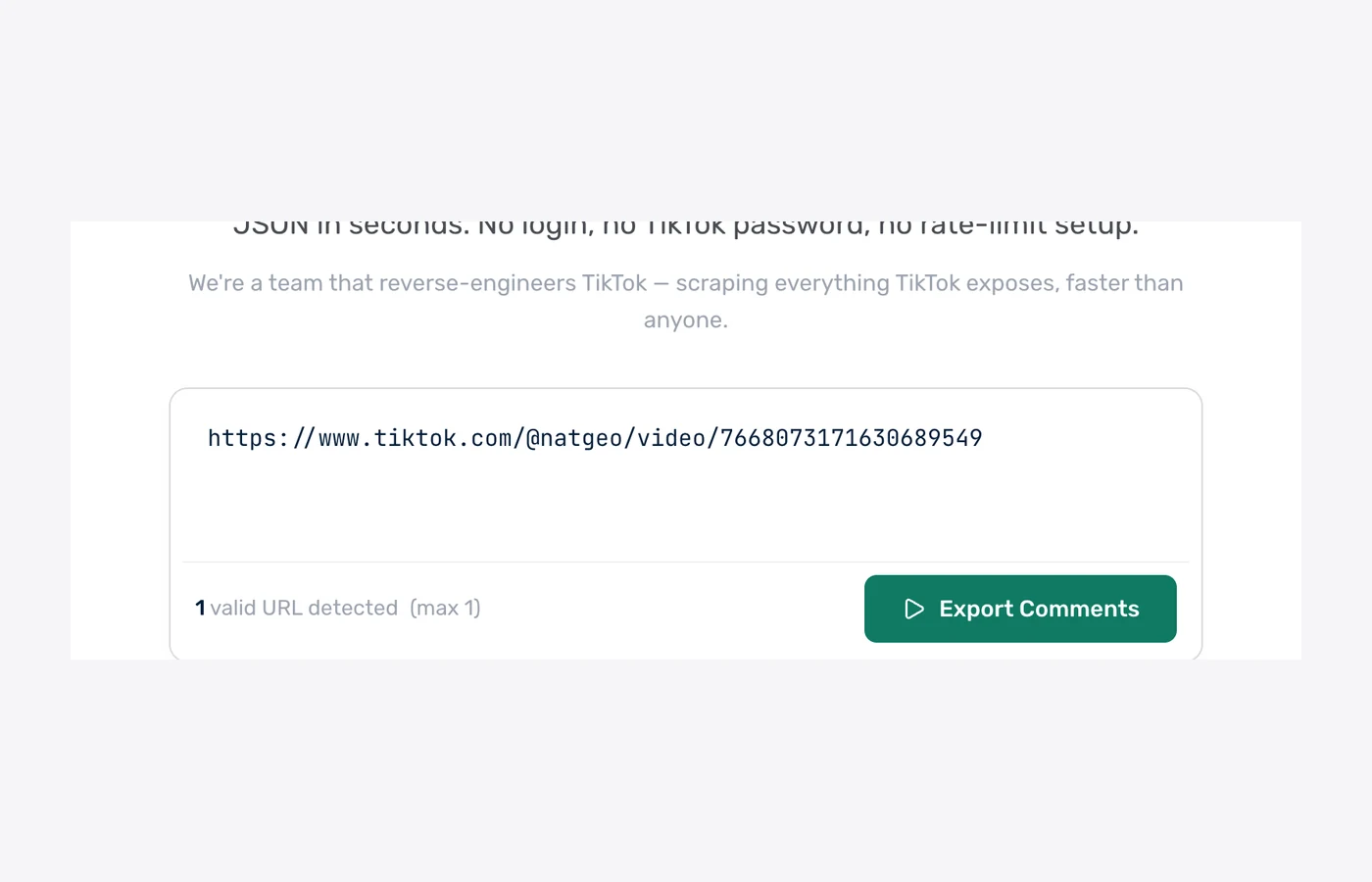
1. Paste the video URL
One TikTok video or photo link. Short vt.tiktok.com links work too.
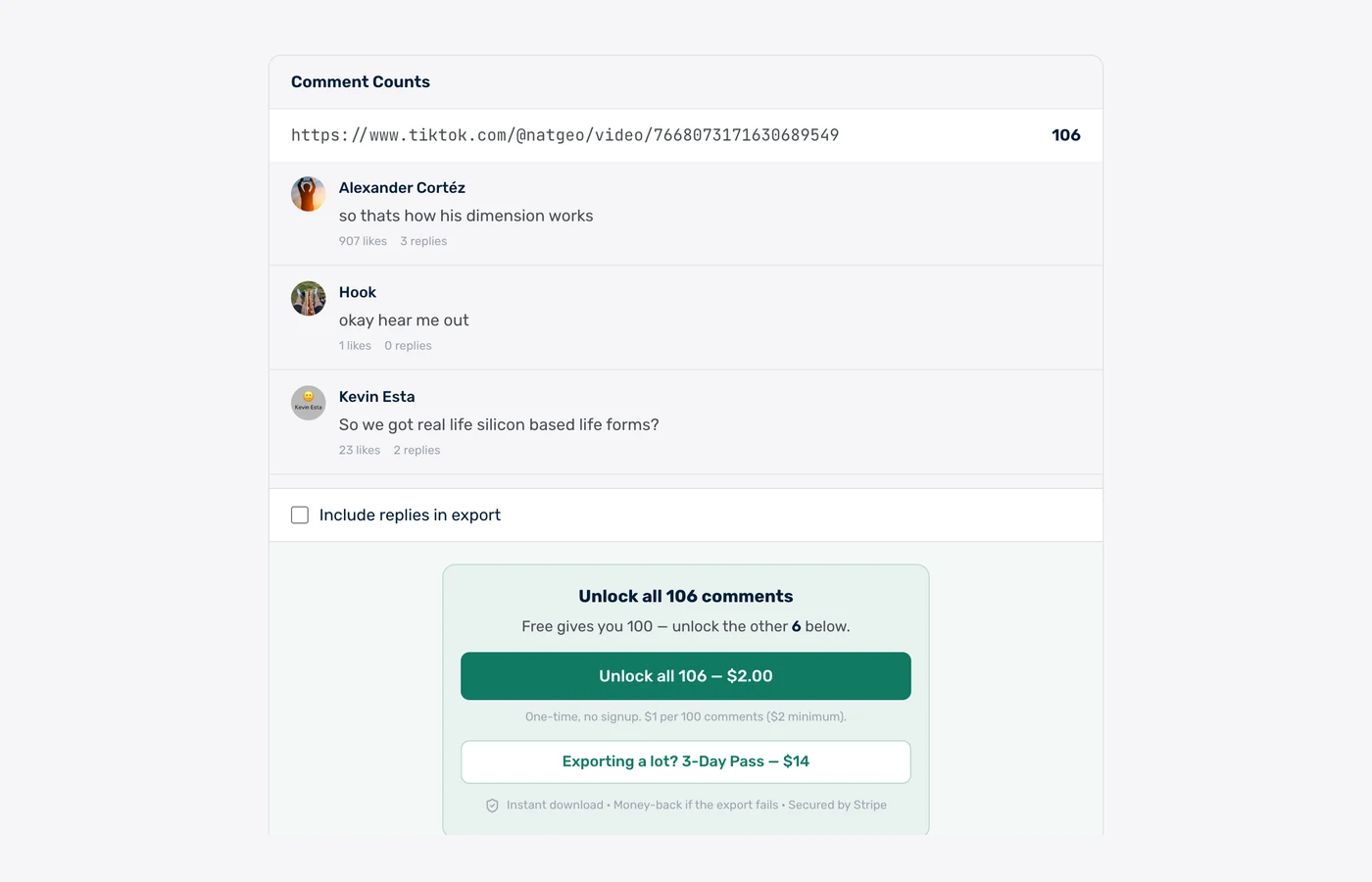
2. Read the whole thread
The exact comment count and the comments themselves, replies under their parent, with the option to include or skip replies.
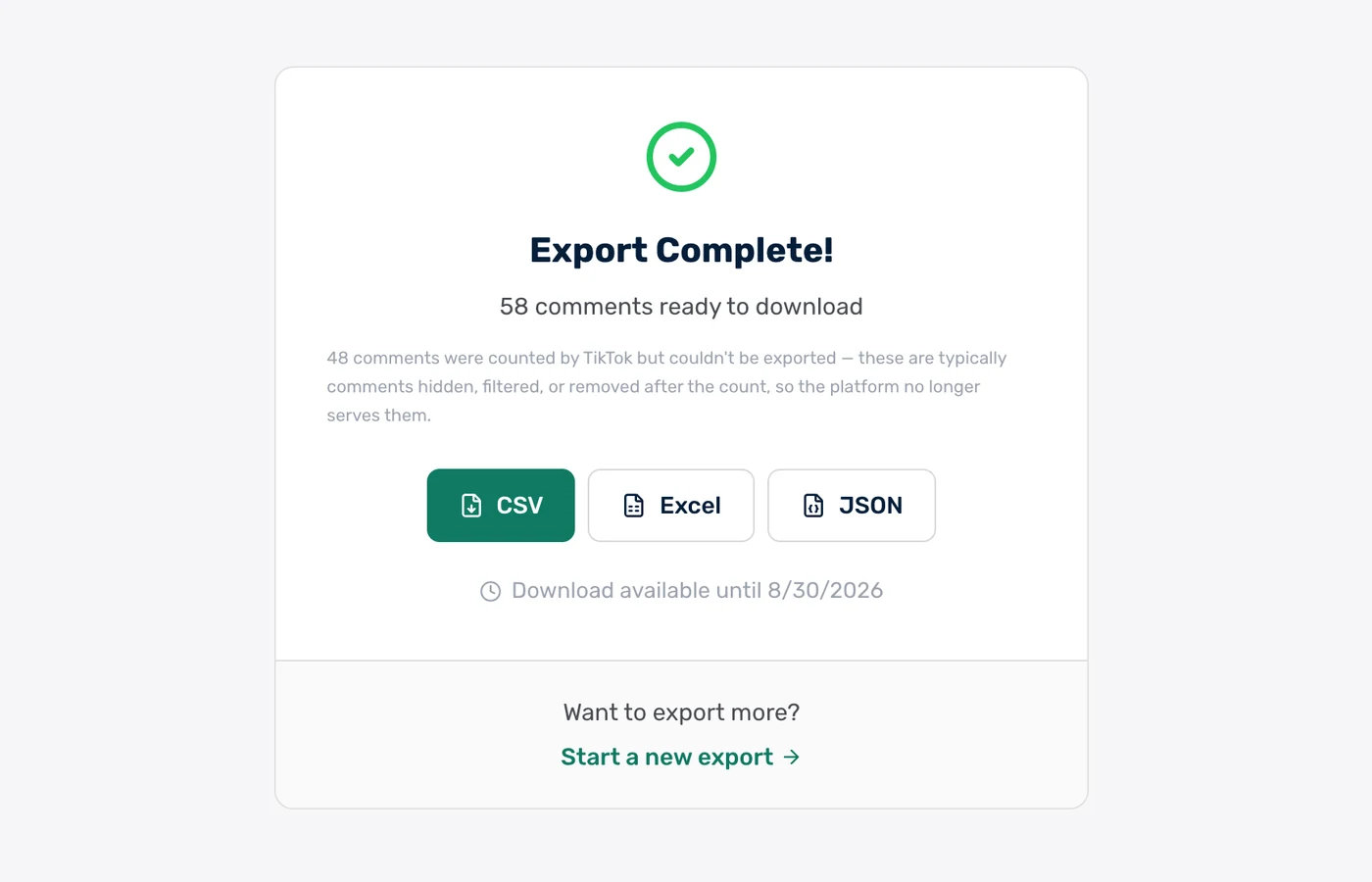
3. Save it if you want
Optional: turn the view into a CSV, Excel or JSON file.
Real comments from a real post
These are unedited comments from a public @natgeo video we exported on 31 July 2026 — 271 comments, loaded in under a minute.
| username | author | text | likes | replies |
|---|---|---|---|---|
| @alexandercortz77 | Alexander Cortéz | so thats how his dimension works | 4238 | 11 |
| @imxor | x o r | We grind them up and sell them at home depot by the way, it’s called diatomaceous earth | 3745 | 41 |
| @beekalba | Bee 🐝 | Is this what diatomaceous earth is? | 1035 | 5 |
| @namedmichael | NamedMichael | Quite poetic that it’s only visible when you zoom in or zoom out. | 889 | 20 |
| @kevinddweeb | Kevin Esta | So we got real life silicon based life forms? | 92 | 9 |
| @oops.allrats | oops.allrats | this vexes me | 23 | 3 |
This is the same data the viewer shows on screen. Download it and you get one row per comment with the columns above.
Every comment includes 8+ fields
The view shows username, text, likes, replies and time. The optional download adds comment ID, parent ID and the full timestamp.
How fast is the TikTok comment export? Measured on 1,461 real exports
ZocialComment delivers a free 100-comment TikTok export in a median of 2 seconds, measured across 1,461 real TikTok exports run between 8 September and 8 October 2026. 78% of free exports finish in under 10 seconds, and counting the comments before you pay takes a median of under 1 second.
2 sec
median time to a 100-comment free file
78%
of free exports finish in under 10 seconds
under 1 sec
to count the comments before you pay
1,461
TikTok exports measured, 85,479 comments
Export time by size — 1,461 TikTok exports, 8 Sep – 8 Oct 2026
Time from starting the export to the file being ready. Counting runs first.
| Comments exported | Exports | Median time | 90% finish within |
|---|---|---|---|
| First 100 comments (free) | 445 | 2 seconds | 14 seconds |
| Up to 1,000 comments | 1,005 | under 1 second | 24 seconds |
| 1,000 – 5,000 comments | 10 | 1.5 minutes | 5.4 minutes |
Timings come from ZocialComment's own export logs. Bigger posts take longer because TikTok serves comments a page at a time.
Built for people who actually use the data
Not just a comment dump — the fields, filters, and formats real workflows need.
Every comment, in order
TikTok shows a ranked slice of the thread and loads the rest in small batches. The viewer lists the whole thread, oldest to newest or by likes.
No login, no app
Paste a public video link and read. No TikTok account, no password, no extension. Nothing is posted or liked from any account.
Replies expanded
Reply threads sit under their parent comment, so a back-and-forth reads the way it happened.
Search the thread
Find a username, a keyword or a tag across thousands of comments in seconds. Sort by likes, date or replies.
Save when you need to
One click turns the view into a CSV, Excel or JSON file with username, text, likes, replies and timestamp per row.
AI summary (Pro)
Pro passes add a one-paragraph summary and a sentiment split across the whole thread.
View TikTok comments in 3 steps
Paste the URL
Drop any public TikTok URL into the box above.
We fetch the comments
Live progress over WebSocket — see comments arriving in real time, no waiting in the dark.
Download CSV, Excel, or JSON
One click — the file is on your computer. Open in Excel, Sheets, or pipe into your script.
Export the comments. Let AI read them for you.
Download the CSV, drop it into ChatGPT, Claude or Gemini, and paste one of these prompts. Thousands of comments, answered in seconds.
Research & sentiment
Find out what people actually say in your TikTok comments — top themes, questions, complaints, and how the mood splits.
Check giveaway rules
Let the AI flag who followed the rules — tagged enough friends, commented once, used the keyword — before you draw a winner.
Change the rules or questions to fit your post — the AI only needs the file and plain English.
Who uses the TikTok comment viewer?
Read a viral video in full
A video with 50,000 comments shows a few hundred in the app. The viewer shows the lot.
Find someone's comment
Search a username inside the thread instead of scrolling. Works for your own comment history on a video too.
Check giveaway entries
See every entry with its tags and time before you pick, without handing an app your login.
Watch a creator or brand
Read the real reaction under a launch or a controversy without following or logging in.
Moderation review
See the comments TikTok filters push down on your own video.
Research and reporting
Pull the thread into a spreadsheet when reading is not enough.
What we do — and don't do — with your data
The short version: we never touch your TikTok account, and we don't keep your exports around.
We never ask for your TikTok password
No login, no OAuth to your account, no browser extension reading your session. We only read public posts — the same data anyone sees without logging in.
Payments handled by Stripe
Card details go straight to Stripe and never touch our servers. One-time payments only — no subscription, no auto-renew, nothing to cancel later.
Money back if the export fails
If a paid export does not deliver the comments, email us and we refund it. You also see the exact comment count before you pay, so there are no surprises.
Your exports get deleted
Free exports are removed after 24 hours, paid exports after 30 days. We do not sell exported comment data or share it with anyone.
Nothing is posted from your account
The tool only reads. It never comments, likes, follows, or messages anyone — there is no account of yours for it to act from.
Public data only
Private accounts and posts you cannot see in a logged-out browser are not exportable, by design.
Free to start. Pay only when you need volume.
First 100 comments of any post are free — no signup, no card. Then $1 per 100 comments ($3 minimum per export), or grab an unlimited pass when you need volume.
Free
First 100 comments per post
- No signup required
- 3 free exports a day
- Then $1 per 100 comments ($3 min)
- Unlimited giveaway picks
You're on Free. Paste a link above.
3-Day Pass
Up to 10,000 comments per post
- Export 20 links at once
- Unlimited posts for 3 days
- Unlimited giveaway picks
- One-time, no subscription
3-Day Pro Pass
Up to 100,000 comments per post
- Export 20 links at once
- Unlimited posts for 3 days
- Unlimited giveaway picks
- One-time, no subscription
Both passes include
Frequently Asked Questions
Everything people ask before exporting TikTok comments for the first time.