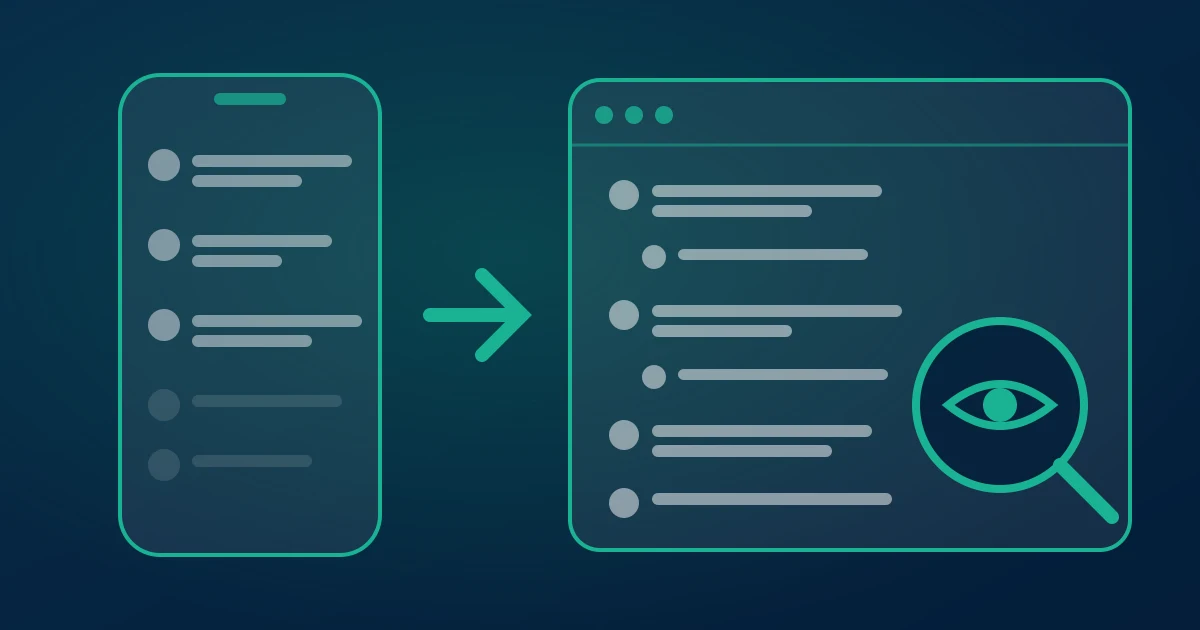
A TikTok comment viewer opens the complete comment thread of a public TikTok video in a normal browser tab — every comment, replies included, in order, searchable — without a TikTok account, an app or a browser extension. It exists because the TikTok app itself is deliberately bad at showing you a comment section: it ranks, collapses and paginates the thread so that a video with 50,000 comments shows you a few hundred, forever.
This guide covers what a viewer can and cannot read, how to open a thread in about ten seconds, how to find one person's comment inside a huge thread, and when reading is not enough and you want the file instead.
Why the thread in the app is not the thread
Three separate mechanisms sit between you and a TikTok comment section, and they compound.
Ranking. TikTok orders comments by engagement, not time. The default view is a "top comments" feed; the chronological option only reorders what has already been loaded into your session. So the comment you are looking for may be real, public, and simply never surfaced.
Collapsing. Replies live behind a "View more replies" tap, one parent at a time. On a video where the interesting conversation happened inside reply threads — which is most arguments and most customer questions — the app hides the substance by default.
Pagination. Comments load in small batches as you scroll, and the scroll position resets when you navigate away. There is no "go to the end" and no in-thread search. Reaching comment 8,000 by thumb is not a task with an end.
On top of that, TikTok's own filters and the creator's keyword filters remove comments from the public list without telling the commenter. TikTok's Community Guidelines and its comment filter settings describe both layers. A viewer does not defeat those filters — nothing public can — but it does show you exactly how much of the badge count is missing.
What a viewer reads, in plain terms
When you open a public TikTok video while logged out, TikTok serves your browser the video, the metadata and the comment thread. A comment viewer makes that same public request, follows the pagination all the way to the end instead of stopping when you stop scrolling, expands reply threads instead of leaving them collapsed, and renders the result as one list.
That is the whole trick. There is no login, no session token of yours, no privileged access. It is the public response, read completely rather than partially. Which is also why the limits are what they are: private accounts return nothing, deleted comments return nothing, and comments hidden by a filter return nothing, because none of them are in the public response in the first place.
Opening a thread in about ten seconds
Tap Share then Copy link in the app, or copy the URL from the address bar on the web. Paste it into the TikTok comment viewer and press the button. Short vt.tiktok.com and vm.tiktok.com links resolve fine, as do /@handle/video/ and photo-post links.
The first thing you see is the real comment count for that video. Then the thread fills in: author name, @username, the comment text with emoji intact, like count, reply count, the parent comment for replies, and the timestamp. Reply threads sit indented under the comment they answer, so a back-and-forth reads the way it happened rather than as scattered fragments.
Finding one person in a 50,000-comment thread
This is the single most common reason people reach for a viewer, and the app offers nothing for it. Once the thread is loaded in the browser, search is instant across the whole thing:
- By username — type the handle to pull every comment and reply that account left on this video.
- By @tag — searching
@plus a handle finds the entries where someone tagged a friend, which is how most giveaway entries are structured. - By keyword — "where to buy", "price", "link", "scam", a product name, a competitor name. This is the fastest read on what a comment section is actually asking for.
- By emoji — surprisingly useful for contest rules that ask entrants to drop a specific one.
Sorting matters as much as searching. Sort by likes to find the comment that shaped the video's reception; sort by replies to find the argument; sort by date to see what arrived after the video got picked up by the algorithm. If you are trying to track one account across many videos rather than one thread, that is a different job — the guide on finding someone's TikTok comments by username covers it.
What we see running the viewer
We operate this tool, so the numbers below are observations rather than estimates, and they are the reason some defaults are what they are.
The gap between the comment badge and the number of rows actually served is the most consistent thing we log. Every request records both. On an ordinary video the two land within a percent or two — ordinary deletions. On videos that went viral during a controversy, or where the creator runs an aggressive keyword filter, we routinely see double-digit percentage gaps: the counter kept climbing while the public list did not. We show the count first precisely so that gap is visible instead of being mistaken for a broken tool.
Replies are the other thing operating the tool taught us. Including replies roughly doubles the size of a typical thread and materially slows the load, because they are fetched per parent comment. That is why replies are a checkbox rather than an always-on default — most people reading a thread want the top level, and the people who want replies want all of them.
TikTok is also, in our logs, the slowest of the platforms we support to serve a large thread end to end; Instagram and Facebook both hand over big posts faster. If a very large video takes a while, nothing is wrong. And to say it plainly: the column names, the free allowance and the pass rules quoted in this article are the live product values, not an illustration. For TikTok's own position on automated access, its Terms of Service are the authority.
Reading versus keeping
A viewer answers "what is in this thread right now". It does not answer "what was in this thread last Tuesday", because there is no public archive of comments — deletions are permanent and invisible. If the thread matters to you as evidence, as giveaway entries, or as research, read it in the browser and then save it.
The same paste gets you a file: the TikTok comment exporter turns the thread into CSV, Excel or JSON with one row per comment. The columns are author, username, text, likes, replies, created_at, language, is_pinned, id, reply_to_id and avatar_url, followed by the platform-specific fields. In a spreadsheet you can do what a browser cannot: pivot by commenter to find repeat entrants, filter by timestamp to cut off a contest at the deadline, or sort by language to see which market a video actually landed in. The first 100 comments of any video are free with no signup; past that it is a one-time payment and never a subscription — the pricing page has the detail.
Four jobs this is genuinely good at
Giveaway entries. Read every entry with its tags and timestamp before you draw, rather than trusting an app you handed your login to. If you want the draw itself handled, the TikTok giveaway picker works from the same thread.
Product and market research. The comment section under a product video is the cheapest demand signal there is — people ask for the price, the link, the size, the shipping country. Sorting by likes surfaces the question everyone has.
Moderation review of your own video. Open your own post logged out and you see what the public sees, which is not what you see inside the app. The difference is your filters.
Watching a brand or a creator. Read the real reaction under a launch without following the account, logging in, or appearing anywhere in their analytics.
What will not work, and why
- Private accounts — nothing is served publicly, so nothing can be read. Any tool promising otherwise wants your credentials.
- LIVE chat — a separate ephemeral stream, not part of a video thread. It must be captured while the broadcast runs.
- Deleted comments — gone for everyone, including the person who wrote them. No public tool recovers them.
- Hidden or filtered comments — visible only to the commenter and the creator. They count toward the badge and never appear in the list.
- Comments on a video that was taken down — the whole object is gone, comments with it.
One honest caveat about browser extensions, since they are the main alternative: an extension that scrapes comments generally asks for read access to every site you visit and runs inside your logged-in TikTok session. That is a large permission to grant for a result a hosted page produces without touching your browser at all. Mozilla's explanation of extension permission requests is worth two minutes before installing anything in this category.
View and download TikTok comments free →
Related reading: see TikTok comments without an account, exporting TikTok comment replies, analysing a TikTok comment thread.