"Facebook comment scraper" covers three quite different things, and picking the wrong one costs you a week. It might mean the official Graph API, a script you run against a page you have open in a browser, or a hosted tool you paste a link into. They differ in what they can reach, what they cost, and how much of your life they consume before producing a file.
This is a practical comparison of all three, followed by the columns you actually get and what each one is good for in a spreadsheet.
Route one: the Graph API, and why it disappoints
Meta publishes a documented endpoint for comments, and if you read the Graph API comments reference it looks like the obvious answer. It is not, for one structural reason: the Graph API is built for managing your own objects, not for reading other people's.
To call it you need a Meta developer app, a permission such as pages_read_engagement, App Review to unlock that permission for anything beyond your own test users, and a Page access token for a Page you administer. With all of that in place you can read the comments on your Page posts. You still cannot read the comments on a competitor's public post, a creator's Reel, or a public group thread, because no permission grants that — the object is not yours.
The second problem is throughput. Calls are metered against Meta's platform rate limits, comments paginate in modest pages, and replies are a nested edge requiring separate calls per parent. Pulling a 40,000-comment post is an afternoon of writing retry and cursor-handling logic before you have a single row.
The Graph API is the right tool for exactly one job: automated, ongoing ingestion of your own Page's comments into your own system. For everything else it is a long detour to a locked door.
Route two: scripts and extensions in your own browser
The DIY answer is to open the post, click "View more comments" until the thread is fully expanded, and run a script — a console snippet, a Playwright job, or an extension — that walks the DOM and writes out rows.
It works, and it has three real costs. Facebook's markup is generated and changes without notice, so a selector-based script breaks on a schedule you do not control. Automation running inside your logged-in session is exactly the pattern Facebook's anti-automation systems look for, and the account it flags is yours. And an extension in this category generally asks for read access to every site you visit — a permission worth understanding properly before you grant it, as Chrome's own permissions documentation lays out.
If you are a developer scraping one post once, a console script is fine. As a repeatable process for a team, it is a maintenance liability with your personal account posted as collateral.
Route three: paste the link, take the file
A hosted exporter reads the post the way a logged-out visitor does, follows the pagination to the end, expands replies, and hands back a file. Nothing runs in your browser, no token is minted, and no account of yours is involved.
Copy the post link — on desktop, the timestamp under the author name is the permalink; in the app, the three-dot menu has Copy link. Paste it into the Facebook comment exporter, and the first thing shown is the exact comment count. Then the preview table, then the download in CSV, Excel or JSON. The first 100 comments of any public post are free with no signup; a larger post is a one-time payment, never a subscription.
Reels, video posts and public group threads work the same way — paste the Reel or group post link instead. Private groups do not, because their posts are not public data.
The columns, and what each is actually for
Every row is one comment: author, username, text, likes, replies, created_at, language, is_pinned, id, reply_to_id and avatar_url, followed by Facebook-specific fields such as the reaction breakdown.
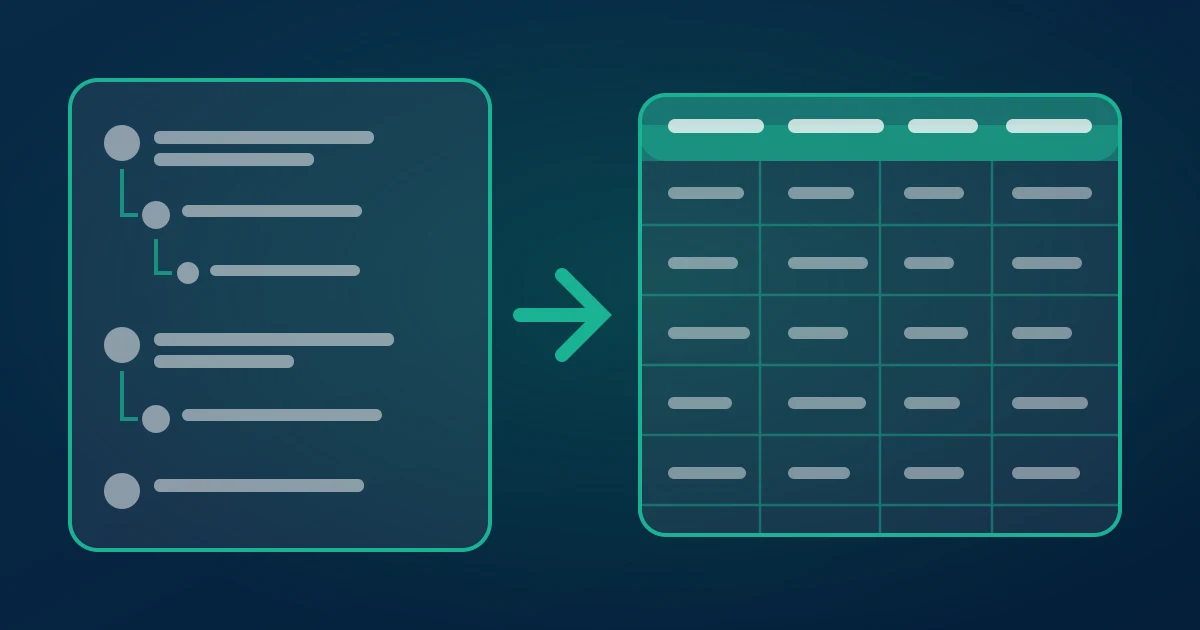
reply_to_idis the column most people ignore and then need. It links a reply to its parent comment, which is what lets you rebuild a conversation in a spreadsheet instead of staring at a flat list. Filter it to blanks to get top-level comments only.created_atis what makes a contest defensible. Sort by it and cut at the deadline, and an entry dispute becomes a row number rather than an argument.languagetells you which market a post actually reached, which on Page posts with paid distribution is frequently not the market that was targeted.likesplusrepliesis your priority queue for support: the question with 300 reactions is the one costing you sales.authorpivoted against itself finds repeat commenters — your advocates, or your bots.
If the destination is Sheets rather than Excel, the Facebook comments to Google Sheets guide covers the import step, and the Excel version covers formatting quirks like long IDs losing precision.
What we see running Facebook exports
We run the exporter, so this section is what our own logs say rather than a guess.
Facebook is the fastest of the platforms we support at handing over a large thread — noticeably quicker than TikTok on posts of comparable size. It is also the platform where the badge-versus-rows gap is most often explained by moderation rather than deletion: Pages running a blocked-word list produce threads where a visible chunk of the count is simply not in the public list. We show the count before the export starts so that gap is something you can see and reason about, not a surprise at the end.
The second pattern is reply depth. Facebook threads nest deeper than Instagram's — arguments under news and Page posts routinely run three levels — and a flat export of such a thread reads as nonsense without reply_to_id. That column is in the default set for this reason.
The third is the shape of the demand. Facebook exports skew heavily toward two jobs: verifying giveaway entries on Page posts, and brand monitoring of comment sections the Page does not own. Both need the whole thread, not a sample, which is why there is no per-day export limit on the free tier — the limit is per post, not per day.
And plainly: the column names, the free allowance and the payment model described here are the live product values, not an illustration.
Where the legal line sits
Two questions get conflated. "Is it legal to read public data?" and "am I allowed to keep it?"
On the first: in the United States, the Ninth Circuit's decision in hiQ Labs v. LinkedIn held that scraping publicly available data does not violate the Computer Fraud and Abuse Act — there is no "unauthorised access" to a page anyone can open. That decision is about criminal liability, not about contracts, and it does not make every scraper lawful everywhere.
On the second: a comment with a display name attached is personal data under the GDPR if any of the commenters are in the EU or UK. That does not forbid the export — legitimate interest covers a lot of ordinary brand research — but it does mean you need a reason to hold it, a retention limit, and the sense not to build a contact list out of it. Meta's platform terms also apply to you independently of any court ruling.
The short practical version: read public comments, use them for research, moderation, contests and product insight, keep them no longer than you need, and do not attempt to reach anything behind a login. Everything above stays comfortably on the right side of that line; credential-harvesting "private post" tools do not.
Doing this on fifty posts instead of one
One post is a paste. A monitoring routine is a different problem, and it is where the DIY routes fall over hardest — fifty sequential browser sessions is fifty chances for Facebook to notice the pattern on your account.
The practical shape is a batch: collect the permalinks in a column, paste the block in one go rather than one link at a time, and let each post run as its own job. The multi-post export guide covers the mechanics and the per-batch ceiling. Two habits make the resulting pile usable. Keep the post URL or a short slug in the filename, because a folder of identically named CSVs is worthless a month later. And re-export rather than trusting an old file when a thread is still live — Facebook threads keep growing, and moderation keeps removing, so a file is a snapshot with a date on it, not a permanent record of the post.
If the goal is a recurring report on a handful of Pages, run the batch on a fixed cadence and diff the row counts. A sudden drop usually means moderation, not a quiet week.
Choosing between the three
If you need ongoing automated ingestion of your own Page's comments into your own database, build against the Graph API and accept the App Review. If you are a developer pulling one thread once and enjoy DOM archaeology, a console script will do. If you want the comments on any public post — yours or not — as a file, in under a minute, without an app, a token, a browser permission or a subscription, paste the link into a hosted exporter and get on with the actual work, which was never the scraping.
Download Facebook comments free →
Related reading: Facebook comment download, free, Page comment exports for brand monitoring, exporting Facebook group comments.