Facebook groups are where unfiltered customer conversation actually happens — buy/sell groups, niche hobby communities, mom groups, KOL marketplaces. People ask for product recommendations, name brands, complain, and recommend — in public, at scale. But Facebook gives you no way to download any of it.
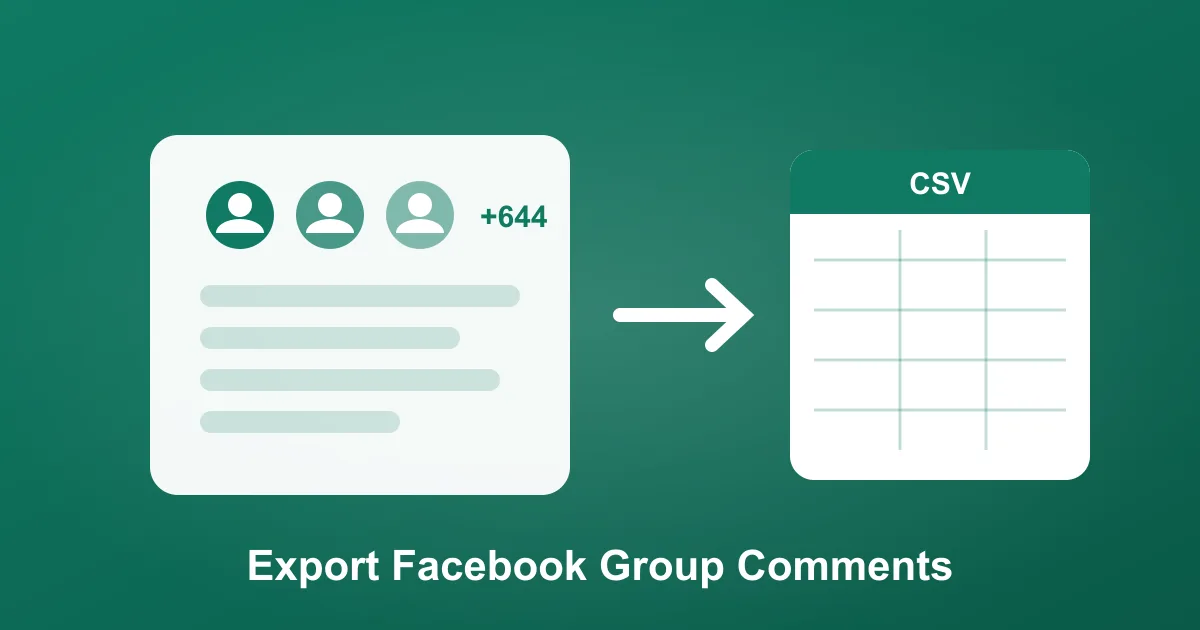
ZocialComment now exports comments from public Facebook group posts, the same way it handles page posts, Reels, and videos. Paste the group post URL, download every comment to CSV, Excel, or JSON — try it here, the first 100 comments are free with no signup and no Facebook login.
How to export Facebook group comments
- Copy the post URL. Click the post's timestamp inside the group — the link looks like
facebook.com/groups/<group-name>/posts/<id>. - Paste it at zocialcomment.com/export/facebook and press Export. You'll see the real comment count before paying anything.
- Download your file. Every comment comes with author, text, timestamp, replies, and all 7 reaction counts as separate columns.
It works on public groups only — if the group requires membership approval to see posts, the content isn't public and can't be exported.
For e-commerce: product research and word of mouth
Niche groups are a free focus group. Export the comments from a "what should I buy" thread in your category and you get a ranked list of what real buyers recommend — including your competitors. Filter for your product name across threads and you're tracking word of mouth in the channel where it converts hardest: a recommendation from a stranger in a community the buyer trusts.
- Count brand mentions. Your name vs competitors' names across recommendation threads = share of voice, in a spreadsheet.
- Mine complaints. "Broke after a week", "seller never replied" — competitor complaints are your ad angles and product roadmap.
- Spot demand before it trends. When the same product request appears across multiple groups, that's a sourcing signal your competitors don't have.
For influencer marketing: find creators where they self-report
KOL and creator marketplace groups are full of posts where creators introduce themselves — follower counts, niches, rates, contact lines — right in the comments. Export one recruiting thread and you have a structured creator database: name, pitch, and reach, ready to filter in Excel instead of scrolling hundreds of comments by hand.
For agencies: monitoring and reporting at scale
If you manage brands whose customers live in groups — local services, parenting products, gaming, property — group comment exports turn "we monitor social" into an actual deliverable: monthly mention counts, sentiment shifts, and verbatim quotes for the client deck. Pair it with the AI comment analysis for sentiment and purchase-intent scoring without reading every comment yourself.
What it costs
First 100 comments per post: free, no signup. Bigger threads: a one-time charge. Doing this weekly? The 3-Day Pass covers unlimited exports across Facebook, TikTok, Instagram, YouTube, Reddit, and Threads — one-time payment, no subscription.