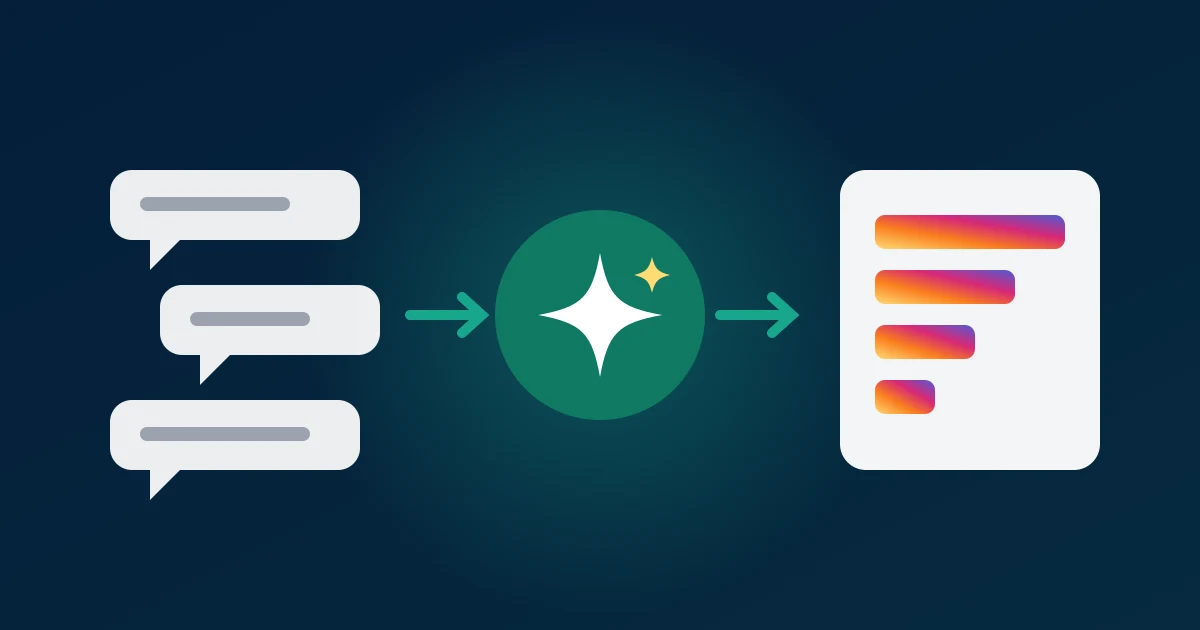
Instagram comment analysis with AI is how our own research works now. A post with two thousand comments used to cost an afternoon of scrolling and tallying; today it costs a free download and ten minutes with ChatGPT or Claude. This guide is the exact workflow we use: how to get the comments out as a file, the prompts we reuse every week, and the checks that stop a confident model from putting a wrong number in a report.
None of it needs code. If you can download a CSV and attach it to a chat, you can do everything below today.
Why reading comments by hand stopped working for us
Comments are the most honest feedback a brand gets: unprompted, in the customer's own words, and attached to a specific post. The problem is volume. Reading 300 comments is fine. Reading 3,000 across five posts, tagging each one and counting the tags, is a day's work, and by the end you are skimming. The comments you read at 5pm get less attention than the ones you read at 9am.
We also noticed that hand counts drift. Two people tagging the same comment section disagree on a surprising share of comments, and one person tagging the same section twice disagrees with themselves. That is not a reason to give up on reading; it is a reason to let a machine do the first pass and spend human attention on checking.
Research backs this up. A 2023 study in PNAS found that ChatGPT matched or beat crowd workers at labelling the topic and stance of social-media posts, at a fraction of the cost. Models have improved a lot since then. What has not changed is that the model only knows what is in the file you give it.
File first, model second
The single most important habit: give the AI a file, not a link and not a paste.
- A link does not work. ChatGPT and Claude cannot log in to Instagram, and Instagram blocks most automated page loads. Ask an assistant to "analyse the comments on this post" and it either refuses or invents an answer.
- A paste loses structure. Copying comments out of the app drops the like counts and timestamps, merges replies into the parent and truncates long threads. The model can no longer tell a comment with 900 likes from one with zero.
- A CSV keeps everything. One row per comment with the author, the text, the likes, the reply count, the date and the language. The model can sort, filter and weight, which is where the useful answers come from.
Anthropic's analysis tool announcement describes the same idea from the model's side: with a file, Claude can run code over the data to count and chart it instead of estimating from what it has read.
Getting a file the model can actually read
Paste the post or Reel link into the Instagram comment exporter and download CSV. The first 100 comments are free with no signup, which is enough to try every prompt in this guide. For the full comment section it is a one-time payment, never a subscription.
The CSV columns are author, username, text, likes, replies, created_at, language, is_pinned, id, reply_to_id and avatar_url. Three of them do most of the work in analysis:
likesturns "what people said" into "what people agreed with". A complaint with 400 likes outweighs forty one-off compliments.created_atlets you ask what changed after a reply from the brand, or how fast interest faded.languagestops you from summarising an international post as if it were all English.
Before uploading, delete the avatar_url column. It is long, the model gets nothing from it, and it eats into how much of the file the model reads closely.
Five prompts we reuse every week
Each prompt names the columns and asks for one job. Bundling five questions into one message gets five shallow answers; one question per message gets one good one.
1. Themes with evidence
This CSV is every comment on one Instagram post (columns: author, username, text, likes, replies, created_at, language). Group the comments into the 5 main themes. For each theme give a one-line name, the number of comments, the total likes, and two example comments quoted exactly.
The "quoted exactly" line matters. It forces the model to point at real rows, which you can then search for.
2. Questions nobody answered
List every comment that asks a question. Group similar questions together, sort the groups by total likes, and say whether the account replied (a reply has reply_to_id pointing at the question's id).
This one finds FAQ content, product gaps and missed sales faster than anything else we run.
3. Sentiment per theme, weighted by likes
For each theme you found, split the comments into positive, neutral and negative. Weight each comment by 1 + likes. Show the weighted share per theme as a table.
A single blended sentiment score hides the story; per-theme sentiment tells you what to fix. Our longer Instagram sentiment method goes deeper on why.
4. What changed over time
Using created_at, compare the first 24 hours of comments with everything after. What themes grew, what faded, and did tone change after the account's own replies?
5. Cross-post comparison
These three CSVs are comments on three posts from the same account. For each post give the top 3 themes, then tell me which themes appear on all three and which are unique to one post.
One post can be a fluke; a theme that shows up on three is a finding.
Where the model goes wrong, and the checks we run
AI analysis is fast, not infallible. These are the failure modes we hit most, with the habit that catches each one.
- Invented quotes. Occasionally a model "quotes" a comment that is a paraphrase. Check: search the file for two or three of the quotes. If one is missing, ask the model to give comment
ids instead of quotes. - Counting by feel. Asked "how many comments mention price?", a model reading text may estimate. Check: ask it to count with code, or run a
COUNTIFin Excel on the same keyword and compare. - Sarcasm and slang. "This is fire" and "great, another price rise" trip up sentiment. Check: read ten comments the model labelled negative and ten labelled positive. If more than one or two are wrong, give it examples of your audience's slang and re-run.
- Emoji-only comments. A wall of hearts is real approval but carries no theme. Check: ask the model to report emoji-only comments as their own group so they do not inflate a theme.
- Over-weighting the loud few. One user leaving thirty comments can become a "theme". Check: ask for the number of distinct usernames behind each theme, not just the number of comments.
None of these take long. Ten minutes of checking on top of ten minutes of prompting is still a small fraction of reading everything yourself, and the result is a number you can defend.
Giveaway rules: the one job where AI needs a referee
Most people who download Instagram comments from us are running a giveaway. Checking entries by hand is the slowest part: did they tag two friends, did they comment once, did they use the keyword? A model does this well:
This CSV is every comment on my Instagram giveaway post (columns: username, text, created_at). Rules: tag at least 2 different accounts (@mentions), and include the word WIN. List every username that meets all rules, once each. Separately list usernames that broke a rule and which rule, and anyone who commented more than once.
Two cautions. First, the model checks the comment text only: it cannot see whether someone follows you or shared to their story, so rules like that still need a manual look at the winner's profile. Second, do not let a language model pick the winner. Models are not random; ask one to "pick a random winner" twice and you may get the same name. Use the eligible list it gives you with a real random draw, such as our free Instagram giveaway picker, and keep the file as your record.
Research jobs this has replaced
Here is what the workflow has taken over for us and for people we talk to:
- Launch feedback. Download comments on a launch post, run the themes and questions prompts, and you have a feedback summary the same day instead of at the end of the week.
- Competitor reading. Run the same prompts on a competitor's top posts. Complaints about their product are a list of things your page can promise.
- Creator vetting. Before paying a creator, read what their audience asks and complains about. Comments full of "link?" and product questions mean a buying audience; comments full of emoji and "first!" mean reach without intent.
- Content planning. The unanswered-questions prompt is a content calendar. Each high-like question is a post or Reel your audience already asked for.
- Academic and market research. Researchers use the same approach to code open-ended text, with a hand-labelled sample to measure the model's accuracy before trusting it on the rest.
If you would rather skip the download step entirely, ZocialComment also connects to ChatGPT and Claude directly, so you can ask for the export and the analysis in one chat. The MCP setup guide walks through it.
How we know this
We build and run the comment exporter, so we see every step of this workflow from the inside: which posts people download, which columns they open, and what they ask us when an answer looks wrong. A few things that operating the tool has taught us:
- The badge is not the row count. Instagram's comment count includes comments hidden by filters, removed, or restricted. We have traced posts showing more than a thousand comments where only a few hundred were still visible to anyone. When the model's count is lower than the badge, the model is usually right.
- Likes are the most useful column. Every prompt in this guide got better when we told the model to weight by likes, which is why
likessits right after the text in the file. - CSV beats JSON for chat assistants. We offer JSON with every raw field Instagram returns, but for analysis in a chat the trimmed CSV works better: fewer columns, less noise, more of the file read closely.
The column names and the free first 100 comments are the live product values. For what Instagram permits, its Terms of Use are the authority, and if you handle commenters' data in the EU, GDPR Article 6 sets out when processing is lawful. For anything you publish, remove usernames and report themes, not people.
Download Instagram comments free and analyze them with AI →
Related reading: Instagram comment sentiment analysis, analyzing Instagram comments in a spreadsheet, exporting comments inside ChatGPT and Claude.