TikTok does not offer a single "delete all comments" button — and depending on what you're trying to delete, the steps are completely different. Deleting your own past comments scattered across thousands of videos works one way. Mass-deleting spam off a video you posted works another. Neither workflow is fast in the default app.
This guide covers the three real scenarios people mean when they search "delete all TikTok comments", what the platform actually allows in each case, and the fastest workflow for each — including the bulk-select feature most users never discover.
Which "delete all comments" do you mean?
Match your situation to the right method. Trying to delete the wrong thing wastes a lot of time:
| Scenario | What's possible | Method |
|---|---|---|
| Delete every comment you've ever posted on other people's videos | One at a time, from your Activity feed. No bulk option. | Method 1 |
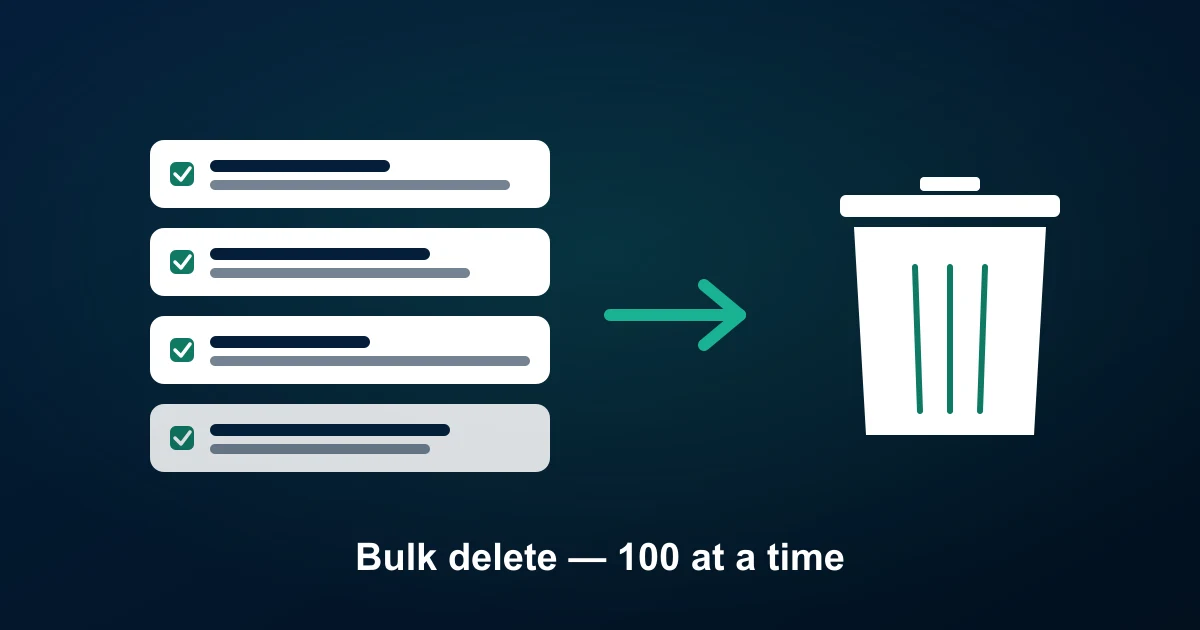
| Delete spam/unwanted comments on your own videos | Up to 100 at a time via Bulk Manage (creator account) | Method 2 |
| Delete all comments on a single video you posted | Bulk-select OR turn off comments entirely | Method 3 |
Important upfront: TikTok does not have an API or official tool to delete comments you've posted in bulk. No legitimate third-party app can do this either, because the action requires logging in as you — which violates TikTok's terms of service and risks getting your account permanently banned. If a tool claims it can mass-delete your past comments, treat it as a red flag.
Method 1: Delete your own past comments on others' videos
This is the most-asked version of the question, and unfortunately the answer is: there is no bulk option. TikTok requires you to delete each comment one at a time, and the only place to do it is your Comment history feed inside your own Activity.
Steps on mobile:
- Open the TikTok app and tap Profile.
- Tap the menu (three horizontal lines, top-right) → Settings and privacy.
- Under Account, tap Activity → Comment history.
- Scroll to the comment you want to delete. Tap the trash icon next to it.
- Confirm. The comment disappears from the video and from your history.
If you have years of comments and need to clear them all, there are only two practical paths:
- Manually delete in batches. Block out an evening, work through your comment history in reverse-chronological order. Most users average ~2-3 seconds per deletion. 500 comments takes around 20-30 minutes.
- Delete and recreate the account. If you have thousands of comments to remove and don't care about your followers/follows, deleting the entire account removes all your comments globally. Backup what you want first (Settings → Account → Download your data).
Browser extensions and macro scripts that "automate" comment deletion do exist, but they violate TikTok's terms — accounts caught running automation can be permanently banned. We don't recommend them.
Method 2: Bulk delete unwanted comments ON your own videos
If you're a creator and need to remove spam, hate, or off-topic comments from videos you posted, TikTok actually does ship a bulk tool — it's just not visible from the comment panel itself. It's called Bulk Manage, and it lives inside each individual video's options menu.
Steps:
- Open the video on your profile.
- Tap the comments icon to open the comment panel.
- Tap the comment panel header or the three-dot menu (placement varies by app version) and select Manage comments.
- Tap-select up to 100 comments at once. You'll see the selected count in the header.
- Tap Delete at the bottom. Confirm.
This is the fastest legitimate way to clear spam off a single video. The 100-comment cap is per action — you can repeat as many times as you need until the video's comments are clean.
Bulk Manage also offers two related actions worth knowing:
- Bulk hide — hides selected comments from everyone except the author. The original commenter still sees their comment as normal, which avoids the notification spike that often follows mass deletion.
- Bulk report — flags selected comments to TikTok's moderation team. Useful for coordinated harassment campaigns.
Method 3: Delete every comment on a single video you posted
Two paths here depending on whether you want the video to stay open for new comments after the cleanup:
Option A — turn off comments entirely. The fastest nuclear option. Existing comments are hidden, no new comments allowed:
- Open the video on your profile.
- Tap the three dots (right side) → Privacy settings.
- Toggle Allow comments off.
Important: this hides existing comments — it doesn't permanently delete them. Toggle comments back on and they reappear. To actually remove them, you need Option B.
Option B — bulk delete via Manage comments. Use the workflow in Method 2 and repeat the 100-at-a-time selection until the video is empty. For a video with 1,000 comments, that's about 10 rounds of select-and-delete — call it 5-10 minutes of work.
If you need a record before deleting — for example, you're moderating a brand video and legal wants the original comments archived before removal — export the comments first with ZocialComment. The CSV gives you a timestamped record of every comment, author, and reply before they're gone. The first export each day is free with no signup.
Why TikTok doesn't offer "delete all"
It's a fair question. Instagram has the same limitation, Facebook the same. The likely reasons:
- Anti-abuse. An attacker who phishes your account could trash your entire comment history in seconds with a one-click button. Friction is a feature.
- Engagement metrics. Comments drive recommended-for-you signals. Making them easy to nuke at scale would create gaps in TikTok's training data.
- Recovery and disputes. Deleted comments cannot be restored. A bulk delete with no confirmation step would generate huge volumes of user-support tickets from people who clicked by mistake.
These reasons are unlikely to change. Plan for one-by-one deletion if Method 1 applies to you.
What about TikTok comment deletion tools and apps?
Search results turn up apps and Chrome extensions claiming to "delete all TikTok comments" or "mass clean TikTok history". Treat all of them with extreme caution:
- None are sanctioned by TikTok. They work by automating clicks while logged in as you — which TikTok detects and treats as bot activity. Accounts caught running automation get banned, sometimes permanently.
- Most ask for your TikTok password. Handing your login over to an unknown third party is a security red flag regardless of platform.
- Most don't actually work at scale. Even when they don't get you banned, TikTok rate-limits comment-delete actions aggressively. Tools that promise "delete 10,000 in one click" hit the rate limit after the first few hundred and silently stop.
If you need to clear your history, manual deletion or full account deletion are the only methods that don't carry account-ban risk.
Workflow: archive comments before deletion (for creators and brands)
If you're a brand manager or agency clearing comments from a campaign video, the smart move is to archive first, delete second. The reasons:
- Legal and PR teams sometimes need a record of what was said and who said it.
- UGC mining: even spammy threads often contain genuine testimonials worth saving as warm leads. See the UGC mining guide.
- Sentiment trend tracking: you want the pre-deletion snapshot to compare future campaign sentiment against. The sentiment analysis guide covers the analytics side.
The 30-second archive workflow: paste the video URL into ZocialComment, click Export, download the CSV. Then go back to the app and do your Bulk Manage deletion knowing you still have the record.
Frequently asked questions
Can I delete all my TikTok comments at once?
No. TikTok requires you to delete comments one at a time from your Comment history. The only "all at once" option is to delete your entire TikTok account, which removes all your comments globally as a side effect.
Is there a TikTok comment deleter app?
Apps that claim this exist but they all violate TikTok's terms of service and risk getting your account banned. There is no official TikTok-sanctioned bulk-deletion tool for your own past comments.
How do I delete spam comments on my own video?
Use Bulk Manage inside the comment panel — open the video, tap the comments icon, tap the three-dot menu, tap Manage comments. Select up to 100 at a time and tap Delete.
Can I hide comments instead of deleting them?
Yes. The same Bulk Manage screen has a Hide action. Hidden comments are invisible to everyone except the original author — useful when you don't want to trigger a notification by deleting.
Can deleted TikTok comments be recovered?
No. Once a comment is deleted (by you, by the author, or by TikTok moderation), it's gone permanently. If you might need a record later, export the comments before you delete.
Does turning off comments delete them?
No. Disabling comments on a video hides existing ones but doesn't delete them. Re-enabling comments brings them back. To remove them permanently, use Manage comments to delete in batches.
Will TikTok ban me for deleting too many comments at once?
Manual deletion through the official Bulk Manage tool is fine — TikTok built the feature. Where bans happen is when third-party automation tools click for you at superhuman speed, which TikTok detects as bot activity.
Save a copy before you clean up
If the comments matter — for legal, PR, or marketing reasons — back them up before deletion. Paste any TikTok URL into ZocialComment to export the full comment thread to CSV in under 30 seconds. The first 3 exports each day are free with no signup. For larger archives or full-thread exports past the 200-comment preview cap, the three-day pass covers it.
Related reading: TikTok comments not working.