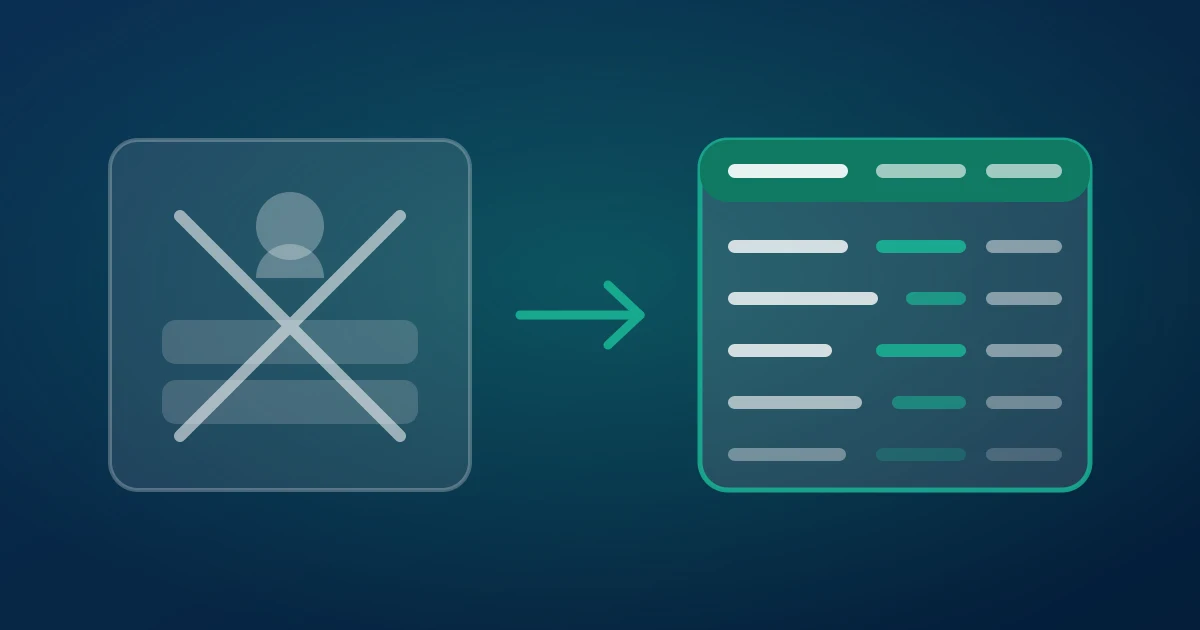
Every Instagram comment export eventually asks the same question of you: what are you willing to hand over to get the file? Most tools answer it with your account — a username and password, a pasted session cookie, or an extension that runs inside the tab where you are already signed in. This guide is about the other answer. You can do a full Instagram comment export without logging in to anything, get CSV, Excel or JSON out of it, and keep your account out of the transaction completely.
That is how ZocialComment works, and it is the main reason people pick it over the alternatives. The rest of this post explains what the difference actually buys you, and where it stops.
What "without logging in" actually rules out
The phrase gets used loosely, so here is the precise claim. To export a public post's comments you do not need to: create an account with us, give us an Instagram username or password, paste a sessionid cookie, install a browser extension, connect a Facebook Page, register a Meta app, or hold an API token. You paste a URL and you get a file.
What that rules out is a whole category of risk that has nothing to do with the data and everything to do with who the requests appear to come from. When a tool uses your session, Instagram sees your account making a few hundred rapid reads. When a server fetches a public page, Instagram sees a server.
Three login models, three different risks
Comment exporters sort into three groups, and the group determines what can go wrong.
Your session, in your browser. Extensions and userscripts read the page you already have open. They are genuinely free and they work on anything you can see, including private accounts you follow. The cost is that every request is yours. Rate-limit responses, temporary action blocks and the "we restrict certain activity" screens land on your account, and the extension needs permission to read and change data on instagram.com — which is permission to read your DMs, your saved posts and anything else on that domain.
Your credentials, on someone else's server. A smaller set of tools asks you to log in with your real Instagram account so their servers can act as you. This combines the worst of both: your account carries the traffic pattern, and your credentials sit in a third party's database. If you have ever pasted a sessionid into a form, that session can be replayed until it expires.
No account at all. Public pages are fetched server-side, by infrastructure that has no relationship to your identity. You lose access to anything non-public, and you gain the property that nothing that happens during the export can be attributed to you, because nothing about you was involved.
We chose the third model deliberately. It makes some things impossible — see the limits section — and it makes the common case boring, which is what you want from a tool you use before a deadline.
What Instagram can see when you export this way
A useful way to think about it: the export is a read of a public page, of the same kind a search engine or a link preview performs. Instagram's systems see traffic to a public post. They do not see a login, a follow, a like, a story view or a profile visit, because none of those happen.
This is also why the export cannot tell you anything a logged-out visitor could not learn. It is not privileged access dressed up as anonymity; it is the same public surface, read systematically and written to a file.
Does the post owner get notified?
No, and it is worth being precise about why, because this is the single most common question we get.
Instagram notifies an owner about interactions: likes, comments, follows, mentions, tags, story replies, DMs. Insights and professional-account analytics report aggregate reach and profile activity, not the identity of people who read a comment thread. An export performs none of the interactions and appears in none of those surfaces. There is no "someone exported your comments" event in Instagram's model of the world, and a tool that needs no login has no account to attach to one even if there were.
The corollary matters too: because no interaction happens, you cannot use an export to warm up a lead. The file tells you who commented. Reaching them is a separate, manual, human job.
The Graph API route, and why it is not the safe option either
People often assume the official path is the conservative choice. For this job it is mostly the narrow one.
Meta's Instagram Graph API reads comments through the Instagram Platform, which requires a Business or Creator account, a linked Facebook Page, an app that has passed review for the relevant permissions, and tokens you refresh. In exchange it reads comments on media you own — plus mentions of you — and the comment moderation endpoints let you hide and reply programmatically. It is an excellent tool for managing your own inbox at scale.
It is the wrong tool for the three jobs people actually bring to a comment exporter: drawing a giveaway winner from a post you do not own, researching a competitor's audience, and pulling a thread on a post a client ran last month. None of those are your media. No amount of app review changes that, so the API route ends where the interesting work starts.
Paste, check the count, download
The whole flow is four steps and about thirty seconds.
- Copy the post link. A /p/, /reel/ or /tv/ URL. You can be signed out of Instagram while you do it.
- Paste it in. Nothing is installed and no account is created.
- Read the retrieved count. The exporter fetches the thread first and tells you how many comments it got. Decide from that figure — the badge under the post counts things you will never see.
- Download CSV, Excel or JSON. The first 100 comments of any post are free, no signup. Beyond that it is a one-time payment, never a subscription; pricing has the specifics.
CSV is the safe default for Excel and Google Sheets and ships with a byte-order mark so emoji and non-Latin scripts survive the round trip. Excel is the one to pick if you want a file that opens with the columns already typed. JSON is for pipelines and for anyone who wants the nested structure rather than flat rows.
What lands in the file
Every export starts with the same readable columns before platform-specific fields: author, username, text, likes, replies, created_at, language, is_pinned, id, reply_to_id and avatar_url. On Instagram the platform fields that follow carry the numeric user id and profile details, so you can group by commenter without a lookup step.
Three of those columns do more work than people expect. reply_to_id is what lets you rebuild a conversation instead of reading a flat list. created_at is how you enforce a giveaway deadline, by deleting every row after the cut-off before you draw. And text holds the tagged handles — the @mentions inside a comment are the only part of a "tag a friend" giveaway that tells you who was recommended to you rather than who already follows you.
Where an anonymous export stops
The honest limits, because a tool that pretends to have none is the tool that fails at the worst moment.
Private accounts, follower-only posts and deleted posts return nothing. There is no public page to read, and no login to borrow. Comments hidden by the owner's filtered-word list are absent — they are not visible to logged-out readers either, which is exactly why the row count and the badge disagree. Comments from accounts that went private or were deleted after commenting are gone the same way. And the free tier is 100 comments per post, which is a real cap: it is enough to validate that the file is what you expected, not enough to draw a winner from a 4,000-comment giveaway.
On very large threads, expect the walk to take minutes rather than seconds. Paging a public comment thread politely is slower than hammering it, and the tools that are faster tend to be the ones using a session that gets blocked.
What operating a login-free exporter has taught us
We run this thing, which means we see the failure modes at volume rather than in theory. Four observations that shaped the design above.
The gap between the badge and the file is normal, not a defect. One post we investigated showed 1,189 comments under it and yielded 165 that actually existed; the difference was moderation, not a broken fetch. We now show the retrieved count before anyone pays, because a promise based on the badge is a promise we cannot keep — and because the number itself is often the most interesting thing a brand learns about its own post.
Speed is what kills session-based access. Every time we have pushed request concurrency on a logged-in path, the session died, and it died faster than any rate limit documentation suggests. That experience is the reason we do not offer a "connect your account for faster exports" option: it would work beautifully for a week and then start locking accounts.
Instagram behaves consistently across post types and inconsistently across thread depth. Photo posts, reels and carousels are effectively the same object to a comment reader. Deep reply trees are where the platform gets slow and lossy, which is why replies are opt-in rather than always-on.
Most people do not need many comments — they need the right hundred and they need them now. That is why the free tier is a per-post cap with no signup rather than a trial with a clock on it. Caps, column names and the free-tier rules quoted here are the live product values, not marketing copy; for Instagram's own rules on comments and moderation, read Meta's comment moderation documentation and the Instagram Terms of Use rather than our paraphrase.
Is exporting public Instagram comments allowed?
Two separate questions get mashed together here, so take them one at a time.
Access. In hiQ Labs v. LinkedIn the Ninth Circuit held that scraping publicly available data is unlikely to constitute unauthorised access under the US Computer Fraud and Abuse Act. Instagram's own terms restrict automated collection, which is a contractual matter between the platform and whoever does the collecting — a reason the traffic should not be coming from your account, which is precisely the model described above.
Use. This is the part that applies to you. Usernames and display names are personal data under the GDPR when the commenter is in the EU or UK, so you need a lawful basis, you should keep the file only as long as the job needs it, and you should not build a marketing list out of it. A public comment is not a subscription. Draw your winner, run your analysis, delete the file.
Questions people ask before pasting a link
Three that come up constantly and are worth answering in the body rather than the FAQ.
"Can I export a competitor's post?" Yes, if it is public. This is the single most common paid use and the one the official API cannot do at all.
"Can I do twenty posts at once?" Yes, with a pass — paste up to twenty links in one go and each becomes its own job. See exporting comments from multiple posts at once.
"What if the file looks short?" Compare it against what you can scroll to yourself while logged out. If you can see comments in a logged-out browser that are missing from the file, that is a bug and we want the link. If you can see them only while logged in as the owner, they are hidden comments and no exporter will reach them.
Try it on a post you care about
Pick a post — yours, a client's, a competitor's — and paste the link. You will know within a minute whether the thread is worth the effort, because you will be looking at a real count and a real sample rather than a badge. No account, no extension, nothing in anyone's notifications. The first 100 comments are free; larger threads are a one-time payment, never a subscription.
Download Instagram comments free →
Related reading: the full Instagram comment download guide, seven Instagram comment exporters tested on one post, who can see hidden Instagram comments.