A TikTok video is locked inside its audio — until you turn it into text. A transcript makes the whole thing searchable, quotable, and reusable: turn a viral clip into a blog post, pull a hook for your own script, build subtitles, translate it, or hand it to an AI to summarize. Here’s the fastest way to get one.
Get a transcript in four steps
- Copy the video link. On the TikTok app, tap Share → Copy link. On desktop, copy the URL from the address bar.
- Paste it in. Open the TikTok Transcription Exporter and drop the link into the box.
- Get the transcript. Click Get transcript — the spoken words come back as clean, timestamped text.
- Copy or download. Copy it to your clipboard or download a
.txtfile.
No login, no password, nothing to install.
Why timestamps matter
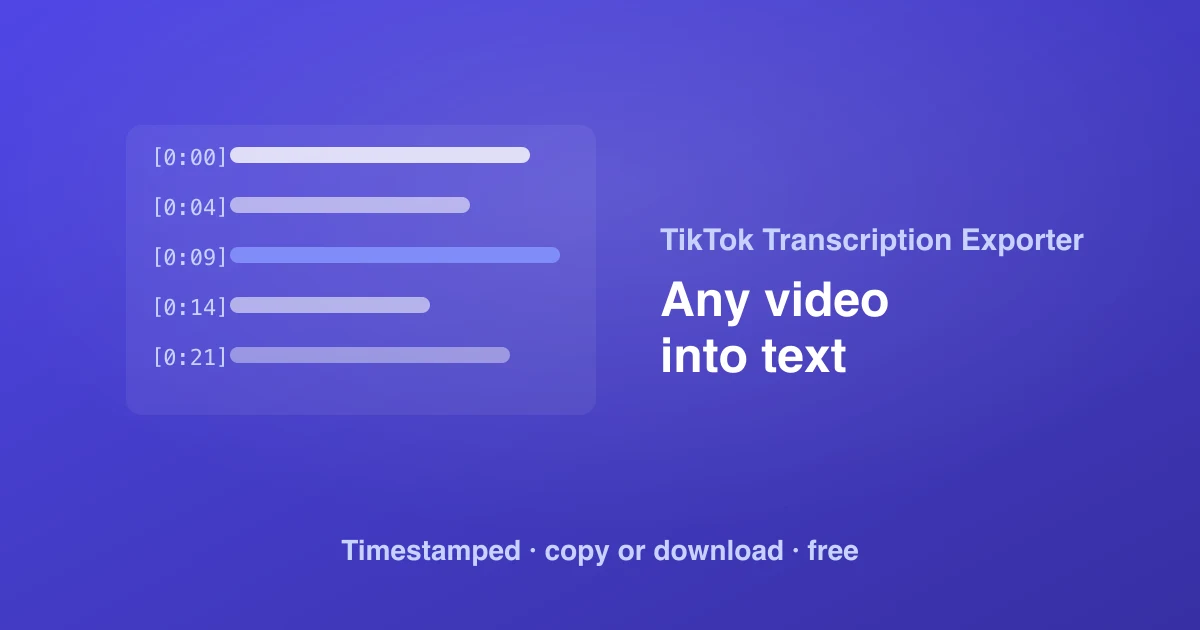
Every line is prefixed with its start time, like [0:12]. That turns a wall of text into something you can navigate — jump straight to a moment in the video, quote the exact second a claim is made, or use the timings as the basis for subtitles.
What people use TikTok transcripts for
- Repurposing content. Turn a strong video into a blog post, newsletter, or thread without re-watching and typing it out.
- Scripting. Study the hooks and structure of videos that performed, in text you can skim.
- Subtitles & accessibility. Use the timestamped lines as a starting point for captions.
- Translation. Drop the text into a translator to localize a video’s message.
- Feeding an AI. Summarize, extract key points, or analyze tone from the transcript instead of the raw video.
From one video to a whole profile
The Transcription Exporter is built for single videos. If you need to work across an entire creator — every post’s transcript plus its views, likes, hashtags and more — the TikTok Posts Exporter surfaces transcripts in bulk. And to grab the video file itself, use the Video Downloader; for the conversation underneath, the Comment Exporter.
Try it now: paste a TikTok link and get the transcript free.