TikTok rolled out picture comments to most accounts in late 2023, and by 2026 the feature is one of the most-used ways to add personality to a comment thread. If you've ever wondered how to comment a picture on TikTok — or why it's not working for you — this guide covers every step, every device, and every reason the option might be missing.
How to Comment a Picture on TikTok (iPhone & Android)
The steps are identical on iOS and Android in the current app:
- Open any TikTok video and tap the speech-bubble icon to open the comment section.
- Tap the comment text box at the bottom to bring up the keyboard.
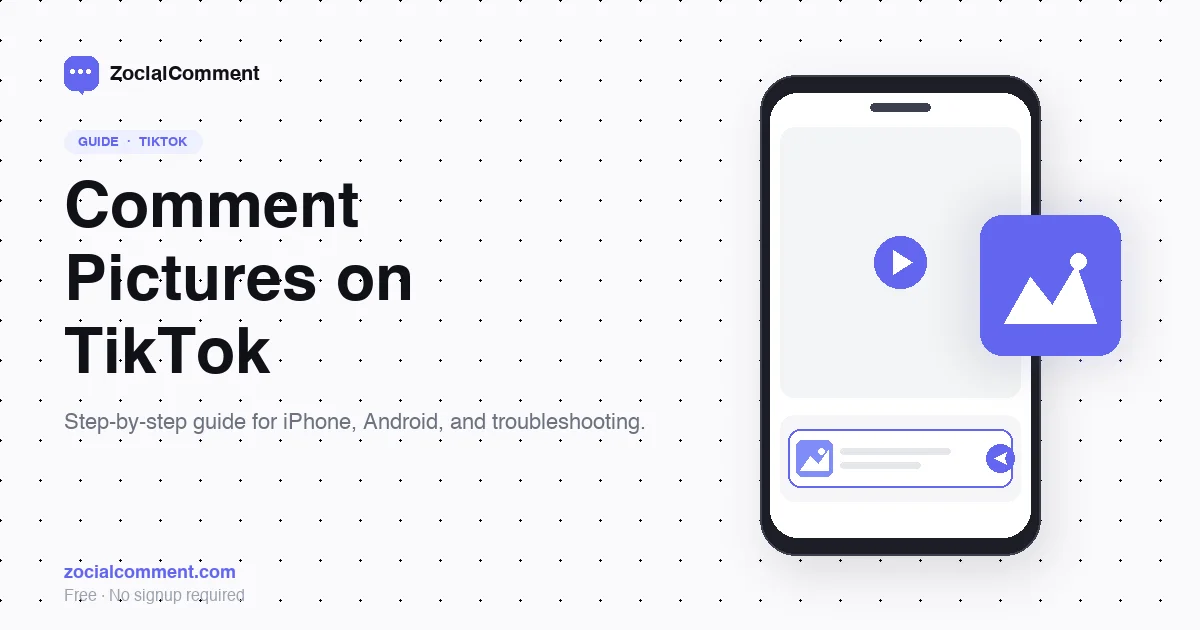
- To the left of the text input, tap the image icon (it looks like a small mountain/picture symbol).
- Choose Photos to use a picture from your camera roll, or tap the camera to take a new one.
- Select your image. You'll see a preview in the comment box.
- Add text if you want (optional), then tap the paper plane icon to post.
Your picture comment will appear inline with the rest of the comment thread. Other users can reply to it the same way they would any other comment.
How to Comment a GIF on TikTok
GIF comments work slightly differently:
- Open the comment section on any video.
- Tap the comment box, then tap the GIF icon (next to the image icon — it's labeled "GIF").
- Search the GIPHY library for the GIF you want, or browse trending ones.
- Tap the GIF to select it, then tap the send icon.
You don't need to download GIFs separately — TikTok pulls them directly from GIPHY's library.
Why Can't I Comment Pictures on TikTok?
If you don't see the image icon when commenting, it's almost always one of these reasons:
1. The video owner has disabled picture comments
Creators can turn off picture comments on individual videos. If the icon is missing on one video but appears on others, this is the cause. There's no workaround — only the creator can re-enable it.
2. Your TikTok app is out of date
Picture comments require a recent app version. Update TikTok through the App Store (iOS) or Play Store (Android). After updating, fully close and reopen the app.
3. Region restrictions
TikTok rolls features out by region. Picture comments are available globally as of 2026, but some new sub-features (like stickers in picture comments) may not be live in every country yet.
4. Account age or restrictions
New accounts (under a few weeks old) sometimes have reduced commenting privileges as part of TikTok's anti-spam systems. This usually resolves on its own with regular account activity.
5. The creator has restricted comments on the video
If the comment section is fully disabled, you won't see any comment options — including pictures. The video owner controls this.
Picture Comment Ideas People Actually Use
Picture comments have become a culture of their own. Looking at the top comment threads in 2026, the patterns that drive the most likes are:
- Reaction memes — well-timed reaction shots that visually summarize a sentiment.
- "Receipts" screenshots — proving a point with a screenshot from elsewhere.
- Visual jokes — image-based punchlines that wouldn't work in text.
- Photos of your pets / kids / setup — when responding to "show me yours" prompts.
- Drawings or sketches — artists often comment with quick sketches inspired by the video.
Engagement on picture comments is consistently higher than on text-only comments in the same thread — they get more replies and more likes per impression.
Can I See What Pictures People Comment on My Videos?
Yes. All picture comments are visible in the standard comment section. If you're managing a brand or creator account and want to track engagement at scale — including picture comments — you can export the entire comment thread using ZocialComment. The export includes a reference to whether each comment contained media, plus the URL to the image where available.
For creators with high-engagement videos, AI comment analysis can also classify the sentiment of these visual responses (positive reactions, criticism, off-topic) so you can see at a glance how an audience is responding to specific content.
How to Delete a Picture Comment You Posted
Same as text comments:
- Find your comment.
- Long-press it (or tap the three dots, depending on version).
- Tap Delete.
Deleted picture comments are removed from the video and don't appear in any subsequent comment exports.
Frequently Asked Questions
Why don't I have the picture comment option on TikTok?
The most common reasons are: outdated TikTok app, the video creator has disabled picture comments on that specific video, or the comment section is fully restricted. Update the app first — that resolves it in the majority of cases.
Can you comment multiple pictures on TikTok at once?
No. Each comment can include one image or one GIF, not multiple. You can post several picture comments in sequence if you want to share more than one image.
Are picture comments private?
No. Picture comments are public, just like text comments. Anyone who can view the video can see them.
Is there a character limit for picture comments?
The accompanying text caption follows the same comment character limit as regular comments — 150 characters. The image itself doesn't count against this limit.
Can I save a picture comment someone posted?
You can screenshot it. There's no in-app "save" button for picture comments. For research or brand-monitoring purposes, exporting the full comment thread captures the image URLs in the data.
Get More From Your TikTok Comments
Picture comments are just one slice of how audiences interact on TikTok. If you're a brand, creator, or agency, the full comment thread — pictures, text, and GIFs — is a goldmine of audience signal.
- Export TikTok comments — Pull every comment from any video. Free for 3 videos a day.
- Analyze comments with AI — Sentiment, purchase intent, and audience demographics.
- View pricing — One-time passes for higher volumes.
If you've followed the steps above and still can't comment pictures, it's almost certainly an app version or creator-setting issue — not your account. Update TikTok, restart the app, and try on a different video to confirm.