If influencer marketing is your business, the bottleneck isn't finding creators — it's processing them. Every shortlist, every campaign, every quarterly report means pulling comment data from dozens of KOLs, one video at a time, and stitching it together by hand. That's hours of copy-paste work that doesn't scale past a handful of creators.
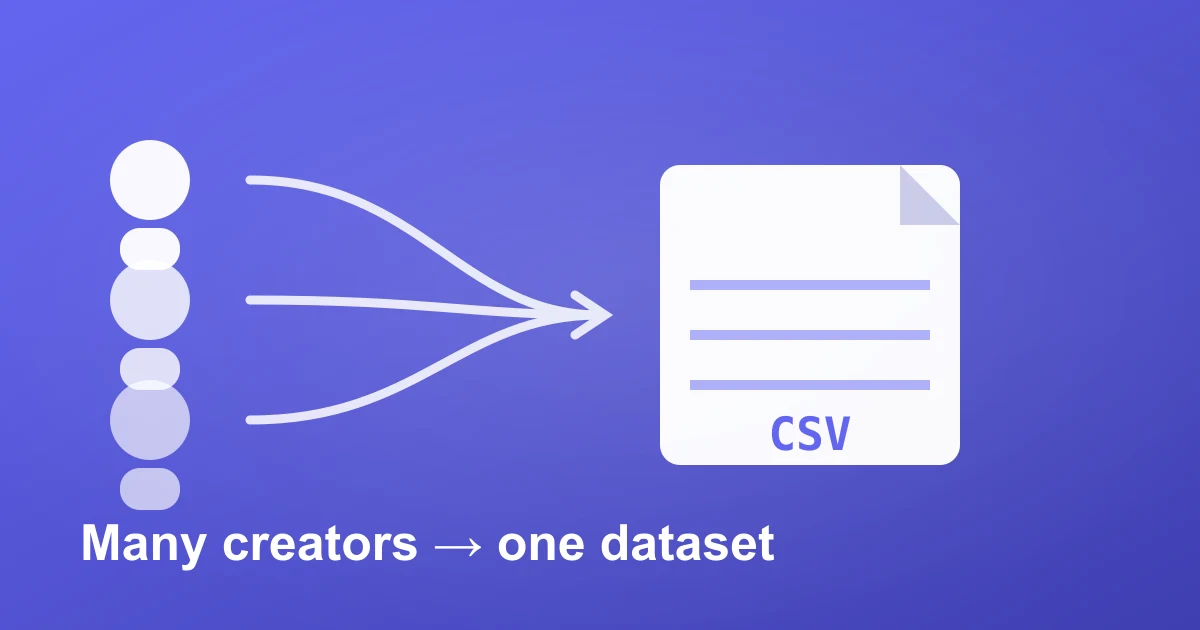
This guide shows the workflow teams use to skip all of it: run a quick export per video URL across many creators — each takes seconds — and merge every comment into one clean, comparable dataset.
Why one-at-a-time export breaks at scale
Exporting a single video's comments is easy. The problem is volume. A real influencer program looks like this:
- A longlist of 20–100 creators you're evaluating for a campaign.
- A live campaign spanning 5–20 videos across multiple KOLs.
- Each video carrying hundreds to tens of thousands of comments.
That's easily 100,000+ comments per campaign. Manually aligning columns so creators are comparable is where the hours disappear. A repeatable export-and-merge workflow collapses that into minutes.
The multi-KOL export workflow
- Collect your video URLs. Gather the TikTok links for every creator you're researching — a few top videos per KOL is usually enough to characterize their audience.
- Export each URL. In Comment Export, paste one URL per export — each run takes seconds, so working through a full list is minutes, not hours.
- Export to one dataset. Every comment comes back in the same structured format — CSV for Excel/Sheets or JSON for your pipeline — so creators line up side by side with no reformatting.
- Slice by creator. Because every row carries its source, you can pivot by KOL instantly: total comments, engagement quality, top topics, and red flags, per creator.
What you get for every comment, every creator
Each exported comment is fully structured, so the dataset is analysis-ready the moment it lands:
- Comment text — full message including emojis and mentions
- Author details — username, nickname, avatar, verification status
- Engagement — like count and reply count per comment
- Timestamps — when each comment landed
- Reply threading — which comment replies to which
- 45+ fields — language, author pins, sort tags, and more
Same fields for every creator means you can merge all of them into one master sheet and compare KOLs on identical columns.
What influencer marketing teams actually do with it
Vet a longlist fast
Bulk-export the comments of every creator on your shortlist, then scan for the signals that separate a real audience from an inflated one — duplicate phrasing, emoji-spam bursts, and generic bot text. Pair it with fake-comment detection to flag purchased engagement before you pay for it.
Compare creators on the same yardstick
With every KOL in one dataset you can rank them on comment-to-view ratio, sentiment, and topic relevance — not just follower count. That's how you justify creator selection to a client with data instead of a gut call.
Report at campaign scale
After a campaign, bulk-export every video's comments and deliver what most agencies can't: what audiences actually said, per creator, not just views and likes. See TikTok campaign reporting for agencies for the full reporting workflow.
Turn the raw export into intelligence
Raw comments win you the dataset; structured analysis wins you the client meeting. Layer AI Comment Analysis on top to get sentiment, purchase intent, and topic extraction across every creator automatically — no manual coding. And to understand who is commenting on each KOL, run Profile Audience to estimate each creator's audience by age, gender, and country. Together that answers the three questions every campaign rides on: is the engagement real, who is it from, and what do they want.
Frequently asked questions
How many creators can I export?
As many as you need — exports run one video URL at a time, and every export returns the identical field structure, so a full longlist or campaign merges into one dataset with no cleanup between runs.
Will the data from different creators line up?
Yes. Every comment from every video comes back in the identical field structure, so you can merge all creators into one sheet and compare them on the same columns with no cleanup.
What format should I use for bulk KOL research?
CSV if you're working in Excel or Google Sheets and want pivot tables per creator; JSON if you're feeding the data into your own pipeline or BI tool.
How is exporting priced?
One-time passes, nothing metered — a pass covers unlimited posts for its window, so the cost is the same whether you export one creator or fifty. That keeps large multi-KOL research economical.
Stop exporting one creator at a time
If your business is influencer marketing, the difference between a 3-creator side project and a 50-KOL program is a repeatable pipeline. Run each video URL through our TikTok comment exporter, merge the CSVs into one dataset — then vet, compare, and report at the scale your campaigns actually run at.