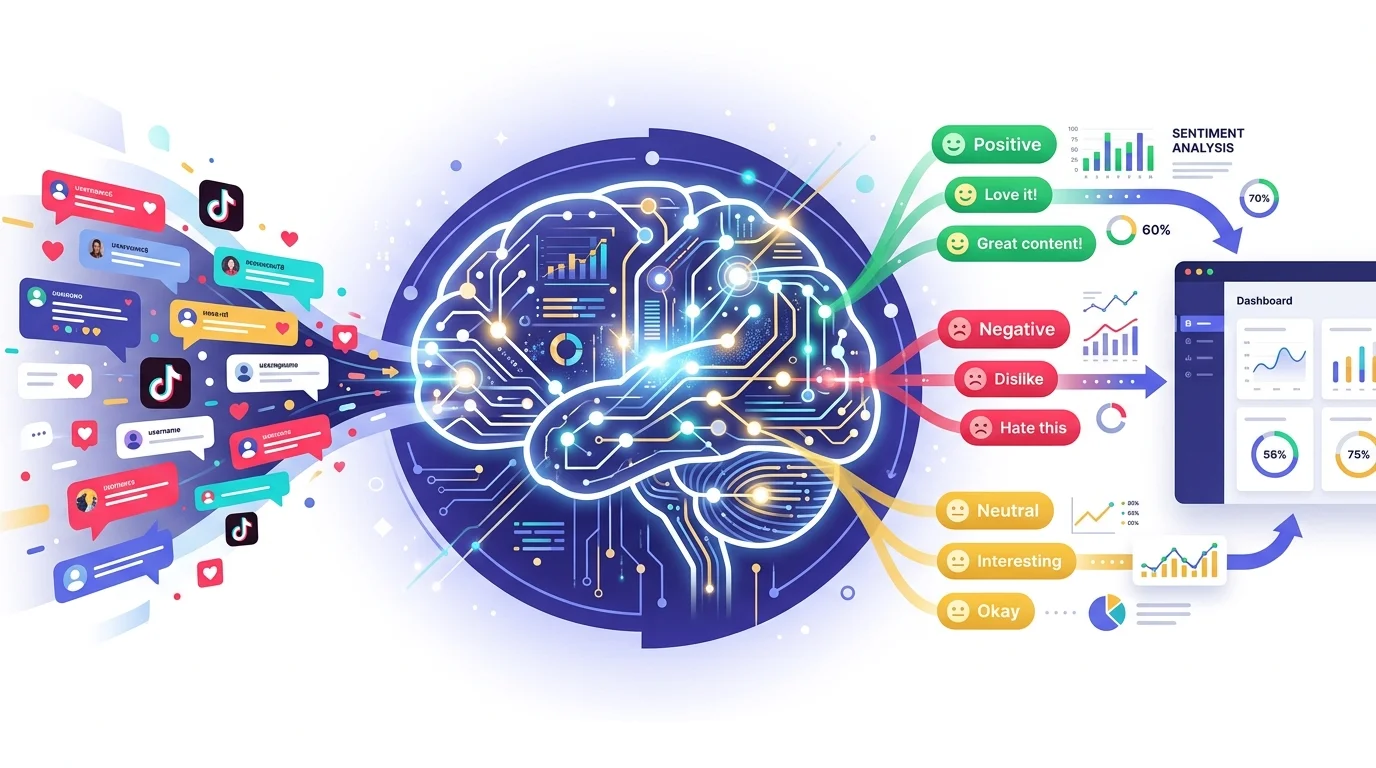
We're excited to launch AI Comment Analytics — a new way to understand what TikTok audiences are really saying. Paste a video URL, and ZocialComment delivers a full analytics report powered by AI: sentiment breakdown, purchase intent, audience demographics, emotion detection, discussion topics, and more.
No spreadsheets, no manual reading. Just paste and analyze.
What You Get in an Analytics Report
Every report is generated automatically from the raw comment data. Here's what's included:
AI Summary
A concise, AI-written overview of the comment section — the overall tone, dominant themes, and key takeaways in 2-3 sentences. Perfect for sharing with stakeholders who want the headline without the raw data.
Sentiment Analysis
Every comment is classified as positive, negative, or neutral using AI. The report shows a sentiment score, a visual breakdown, and lets you expand each category to read individual comments. No more guessing whether a video's reception was good or bad — you'll have the numbers.
Purchase Intent Detection
How many commenters are showing buying signals? Comments like "where can I buy this?", "link please", and "adding to cart" are flagged automatically. The report shows the purchase intent percentage — a metric that directly maps to conversion potential.
Audience Demographics
The AI estimates gender distribution and age groups from commenter profiles and language patterns. While not a replacement for formal survey data, it gives a useful directional read on who's engaging with the content.
Emotion & Intent Distribution
Beyond positive/negative sentiment, the AI classifies each comment's emotion (happy, sad, angry, surprised, fearful, neutral) and intent (opinion, question, feedback, request, compliment, complaint, humor). These breakdowns reveal the texture of audience reactions that sentiment alone misses.
Discussion Topics & Key Phrases
The AI extracts the main topics being discussed and the most meaningful recurring phrases. This tells you what specific subjects the audience is talking about — product features, comparisons, concerns, or praise — without reading every comment yourself.
Engagement Metrics
Average likes per comment, reply rates, comment volume over time, peak hours, likes distribution, top commenters, verified commenter count, and repeat commenters. A complete picture of how the audience is engaging.
Authenticity Score
The report flags suspicious comments — generic emoji spam, bot-like patterns, and low-quality engagement. The authenticity score tells you how much of the engagement is real. Essential for influencer vetting and campaign evaluation.
Video Details
Each report includes the video's cover image, creator info (followers, likes, video count), play/like/comment/share/save counts, hashtags, and music used. Everything you need for context without leaving the report.
How It Works
- Paste a TikTok URL on the analyze page
- We count the comments and show you the total
- Analysis runs automatically — comments are collected, then processed by AI
- Your report is ready — view it in the browser, or download as CSV/JSON
Pricing
You get the first 100 comments of any post, free and unlimited — no account required. For higher volumes, grab a one-time pass — 3 days of unlimited posts, or the Pro Pass. No subscription.
Who Is This For?
- Brand marketers — Measure campaign reception and audience sentiment at scale
- Agencies — Deliver data-backed reports to clients that go beyond views and likes
- Influencer managers — Vet creators by analyzing comment quality and authenticity
- Researchers — Study audience behavior with structured, AI-classified data
- Creators — Understand your audience better and identify what resonates
Try It Now
Head to the analyze page, paste a TikTok video URL, and get your report. Get the 3-Day Pro Pass to unlock AI analysis — one-time, no subscription.
Related reading: best free TikTok analytics tools in 2026.