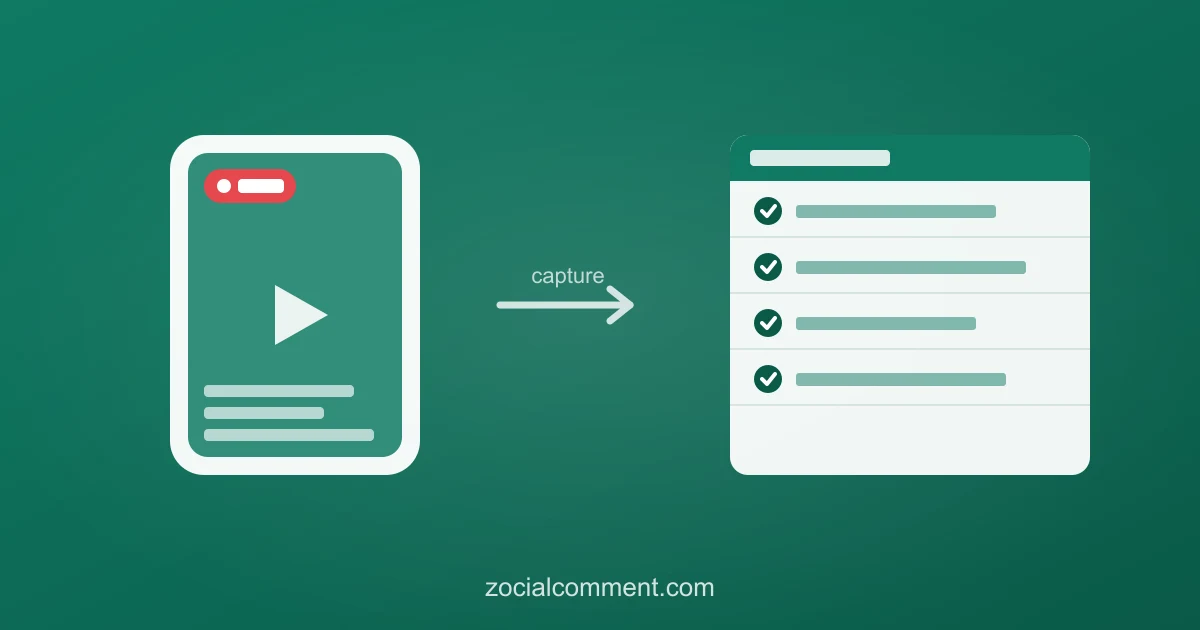
A TikTok LIVE is the most valuable content you'll ever make and the most fragile. The second it ends, it's gone — and so is every order shouted in the comments, every "does it ship to my country?", every buyer who was this close but didn't tap checkout. Most people reach for a "TikTok live recorder" to save the video. That's the easy half. The half that actually pays you back is the comment stream — and almost nobody captures it.
Recording the video: the easy half
You don't need special software to keep the footage:
- Screen-record it. Every modern phone has a built-in screen recorder — iOS Control Center, Android quick settings. Start it as the LIVE begins and you've got the video.
- Auto-Post it (hosts). If you're the one going live, turn on LIVE Auto-Post and TikTok saves a replay to your profile automatically — comments attached.
Done. But re-watch that recording and you'll hit the problem: the orders and questions fly past in a scrolling feed you can't sort, search, or fulfill from. The video kept the show. It didn't keep the business.
The half that disappears: the comments
Here's what TikTok doesn't tell LIVE sellers: the comment feed isn't saved. When the LIVE ends, there's no transcript of who commented, who ordered, who asked what. For a casual creator that's no loss. For anyone selling on LIVE, it's a spreadsheet of revenue vanishing in real time:
- "mine 🙋 size M" — that's an order you now have to remember.
- "does this ship to Malaysia?" — a buyer you'll never follow up with.
- "sold? or still available" — demand data for your next stream, gone.
A screen recording buries all of it in footage. What you actually need is that comment stream as a list.
Capture the comment stream to a spreadsheet
If your LIVE was auto-posted or saved as a replay, its comments stay attached to that post — and you can export them:
- Grab the URL of the auto-posted / replay LIVE.
- Paste it into the TikTok comment downloader.
- Download the CSV — username, comment text, like count, and timestamp for every comment.
Now the chaos is a sortable list. Filter for buying language — "mine", "sold", "checkout", sizes, colours — and you've reconstructed your order sheet. Filter for questions and you've got your reply list. The first 100 comments are free with no signup, so you can test it on your last LIVE right now. For the ongoing workflow, see the dedicated export TikTok LIVE comments guide.
Turn the export into orders and follow-ups
This is why capturing the comments beats recording the video, for anyone who sells:
- Build the order list. Sort the CSV by timestamp and pull every "mine / sold / size" comment into your fulfillment sheet — nothing lost to a fast-scrolling feed.
- Answer the unanswered. Every "does it ship to…?" you missed live is a sale you can still close with a reply or a pinned FAQ next stream.
- Follow up the almost-buyers. Filter for people who engaged but didn't order and turn those comments into DMs — a warm list from a stream that would otherwise have vanished.
- Plan the next LIVE. The most-asked questions become your opening script; the most-requested products become your run of show.
Why this matters most in Southeast Asia
LIVE selling drives a huge share of TikTok Shop revenue across Indonesia, the Philippines, Malaysia, Thailand, and Vietnam — regions where hosts run hours of LIVE commerce daily. A single stream can bury hundreds of orders and questions in a comment feed that evaporates on "End LIVE". Exporting that stream is the cheapest insurance a LIVE seller can buy. See the regional guides for Indonesia, the Philippines, and Malaysia.
What it costs
Recording the video is free — it's built into your phone. Capturing the comments, the part that's actually money, is free for the first 100 with no signup, a one-time charge after, or a 3-Day Pass that covers a run of daily streams. Against a single LIVE's worth of lost orders, it pays for itself on the first export.
Test it on your last stream: paste the replay URL into the TikTok comment exporter and pull the comments free — every order and question you thought was gone, back in a spreadsheet.