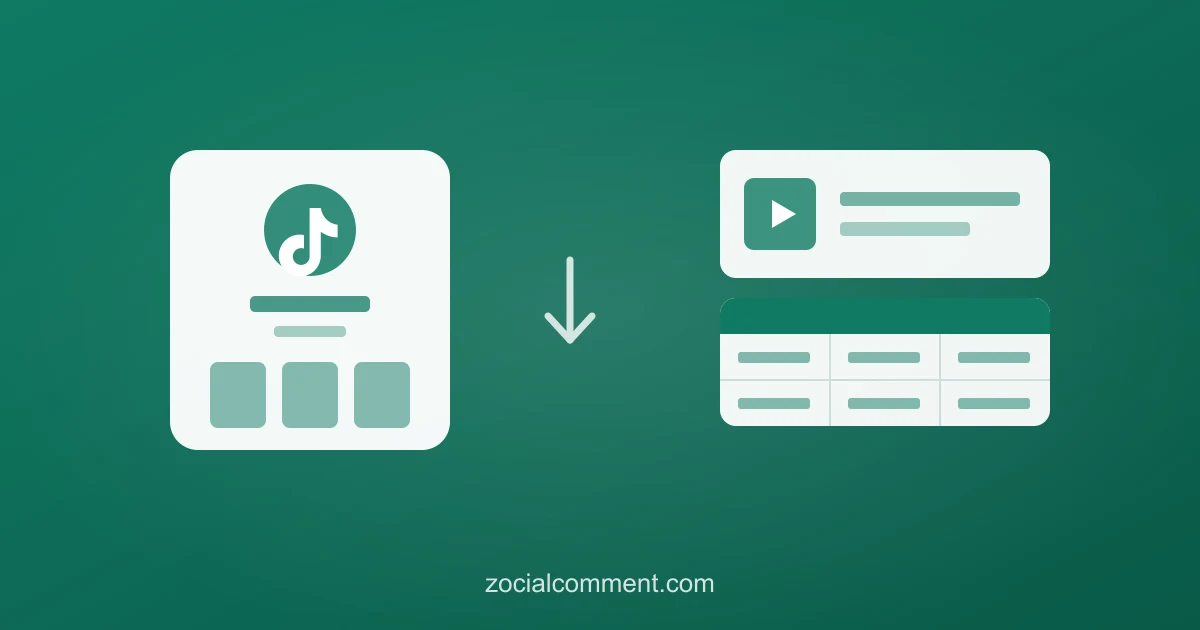
Search "TikTok profile downloader" and you're usually after one of three things: the creator's videos, their comments, or a read on who their audience is. TikTok gives you a button for none of them — there's no "download this profile" option anywhere in the app. But the whole job breaks cleanly into three parts, and each one takes a URL and a click.
This is the practical 2026 workflow for saving everything worth saving off a TikTok profile — whether you're backing up your own account, benchmarking a competitor, or vetting a creator before you spend budget on them.
Part 1: Download the videos (watermark-free)
There's no bulk "download all videos" button — not in TikTok, not in any tool that stays within TikTok's rules. What works is downloading the videos you actually need, one URL at a time, without the watermark:
- On the creator's profile, open a video and copy its link (the share / ⋯ menu).
- Paste it into the TikTok video downloader.
- Choose MP4 for the video or MP3 to keep just the audio — the file comes back clean, no watermark.
The first few downloads each day are free, no signup. After that it is a small one-time charge, or included with any pass. For most jobs you want a handful of key videos, not the entire back catalogue — pick the ones that matter and skip the rest.
Part 2: Export the comments (the valuable half)
The videos are the surface. The comments are where the actual intelligence lives — what the audience asks, buys, complains about, and requests. And unlike videos, you can pull them in bulk:
- Copy the URLs of the videos whose comments you want.
- Paste them into the TikTok comment exporter — one video per export.
- Download a CSV with username, comment text, like count, and timestamp for every comment.
That's a creator's recent comment history in a single spreadsheet. The first 100 comments of any video are free with no signup, so you can scope the job before spending anything. Sort by likes to see the opinions the whole audience shares, or search the username column to find one person's comments across every video.
Part 3: Profile the audience
Downloading the content tells you what a creator posts. It doesn't tell you who's watching. That's the third piece most "downloaders" skip entirely: run audience analysis on the commenters and get an estimate of their age, gender, and country. "300K followers" becomes "an audience that's mostly women, 18–24, in Indonesia and the Philippines" — the difference between a number and a decision. The audience analysis guide walks through the full method.
Why download a profile at all?
- Back up your own account. Accounts get banned, hacked, or locked. Downloading your videos and exporting your comments before a ban keeps your content and community data safe.
- Benchmark a competitor. Save their best videos and export the comments to see what their buyers ask that never gets answered — that gap is your next post. See the competitor-spying playbook.
- Vet a creator before you pay. Before whitelisting or collaborating, download recent videos and export the comments to check the audience is real, active, and safe. The influencer vetting guide covers the red flags.
- Build a UGC or research library. Save the raw material — videos plus verbatim comments — for campaign mining and reports.
Put it together
A full profile download is three passes over the same list of URLs: videos to MP4, comments to CSV, commenters to an audience profile. Ten minutes of clicking gives you a creator's content, their community's voice, and a read on who that community actually is — the three things a raw follower count will never tell you.
What it costs
Video downloads: free for the first few daily, then a small one-time charge, or included with any pass. Comments: first 100 per video free, a one-time charge after, or a 3-Day Pass for a whole month of a creator's videos. Audience profiling: priced per batch of commenters. No subscription — do one profile and walk away, or upgrade to the 3-Day Pro Pass to auto-tag every comment by sentiment and theme.
Start with the profile you care about most: download a key video, then export its comments free and see what the audience is really saying.