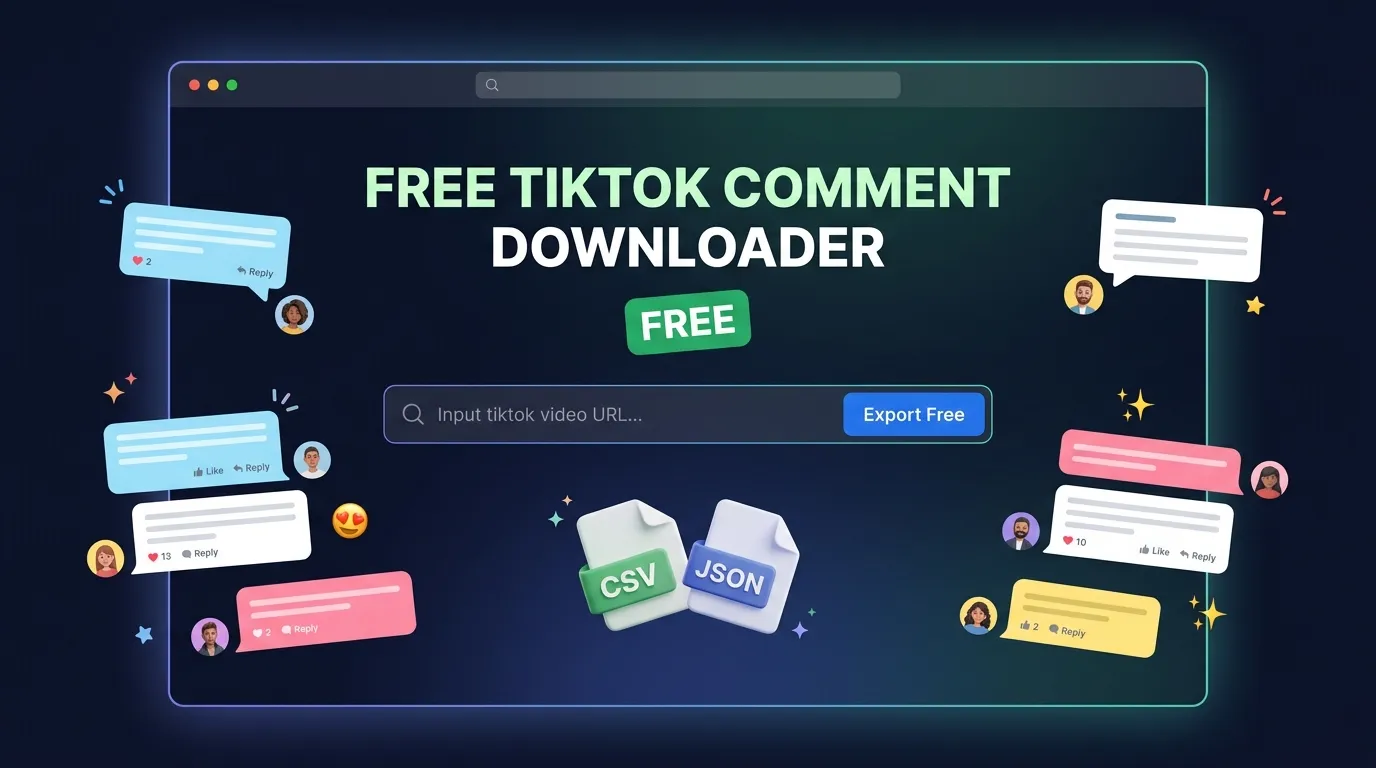
Download TikTok Comments for Free
Export any public TikTok video's comments to CSV or JSON. No account required. No credit card. Just paste a URL and download.
What You Get in Every Free Export
Each download includes structured data with approximately 45 fields per comment:
- Comment text — The full comment content
- Username and display name — Who wrote the comment
- Like count — How many likes each comment received
- Reply count — Number of replies per comment
- Timestamps — When the comment was posted
- Language — Detected language of the comment
- User profile data — Avatar URL, handle, user ID
- Thread information — Parent comment IDs for reply tracking
All data is structured and ready for Excel, Google Sheets, or any data analysis tool.
Free Tier Details
| Feature | Free | Pass | Pro Pass |
|---|---|---|---|
| Exports per day | 3 | Unlimited | Unlimited |
| Comments per video | 200 | Unlimited | Unlimited |
| Export formats | CSV, JSON | CSV, JSON | CSV, JSON |
| AI sentiment analysis | — | — | Included |
| Purchase intent detection | — | — | Included |
| Audience demographics | — | — | Included |
| Profile analysis | — | — | Included |
| Signup required | No | Yes | Yes |
How It Works
Step 1: Copy the TikTok Video URL
Open the TikTok video you want to analyze. Tap the share button and select "Copy link." The URL looks like:
https://www.tiktok.com/@username/video/1234567890
Short links from the TikTok app (like vm.tiktok.com/...) work too.
Step 2: Paste and Choose Format
Paste the URL into the TikTok comment exporter. Select CSV if you want to open the data in a spreadsheet. Select JSON if you're working with code or need structured data.
Step 3: Download
Click export. Your file downloads in seconds.
What People Use Downloaded TikTok Comments For
Market Research
Understand what real consumers think about products, brands, and trends. TikTok comments are unfiltered opinions — no survey bias, no moderation.
According to a 2025 Sprout Social report, 68% of marketers now consider TikTok analytics essential to their social media strategy, up from 41% in 2023. Comment data is the deepest layer of that analytics stack.
Influencer Vetting
Before signing a creator, download their video comments and check for authenticity. Genuine audiences leave specific, varied comments. Fake engagement produces generic emoji clusters and repetitive phrases.
Studies suggest 15% of TikTok accounts may be bots or spam — roughly 253 million fake accounts out of 1.7 billion users. Comment analysis is one of the most reliable ways to verify engagement quality.
Competitor Analysis
Download comments from competitor videos to discover product complaints, feature requests, and audience sentiment. This is free market intelligence that most brands ignore.
Campaign Reporting
Include real comment data in influencer campaign reports. Go beyond views and likes — show clients what audiences are actually saying about their products.
Academic Research
TikTok's Research API has a restricted application process and limited access. Downloading public comments via export tools provides an accessible alternative for social media researchers.
Content Ideation
Scan comment sections for questions and requests. Comments like "how do you do that?" and "can you make a video about X?" are direct content briefs from your audience.
Why ZocialComment's Free Downloader
There are several free TikTok comment download tools. Here's why this one is worth using:
More data fields. Most free tools export 5-8 columns (username, text, likes, date). ZocialComment exports ~45 columns including reply thread data, language detection, and user profile information.
Clean, structured output. The CSV opens correctly in Excel and Google Sheets without formatting issues, broken unicode, or missing emoji.
No account wall. Some "free" tools require you to sign up before showing results. ZocialComment's free tier works immediately — no email, no password, no credit card.
Upgrade path. When you need AI analysis (sentiment, purchase intent, demographics), the same tool scales to a paid plan without re-learning a new interface.
Frequently Asked Questions
Is this really free?
Yes. The free tier gives you unlimited exports of the first 100 comments per video. No signup required. No credit card. No trial period — it stays free.
Do I need to create an account?
No. Free exports work immediately. You only need an account if you upgrade to a paid plan.
What format should I choose — CSV or JSON?
Choose CSV if you'll open the file in Excel, Google Sheets, or Numbers. Choose JSON if you're a developer working with code or APIs.
Can I download comments from any TikTok video?
Any public video. Private or friends-only videos cannot be accessed by any third-party tool.
Is there a limit on how many comments a video can have?
The free tier exports up to 100 comments per video. For videos with more comments, the 3-Day Pass exports the full thread (unlimited for 3 days).
Can I download reply threads?
Yes. The export includes reply data with parent comment IDs, so you can reconstruct conversation threads in your spreadsheet.
How fast is the download?
Most exports complete in under 10 seconds. Larger exports (thousands of comments on paid plans) take 30-60 seconds.
Does this work with TikTok slideshows and photo posts?
Yes. Comments from both video and photo posts can be exported.
Will TikTok know I downloaded comments?
No. The tool accesses publicly visible data. No TikTok login is required, and no action is taken on your TikTok account.