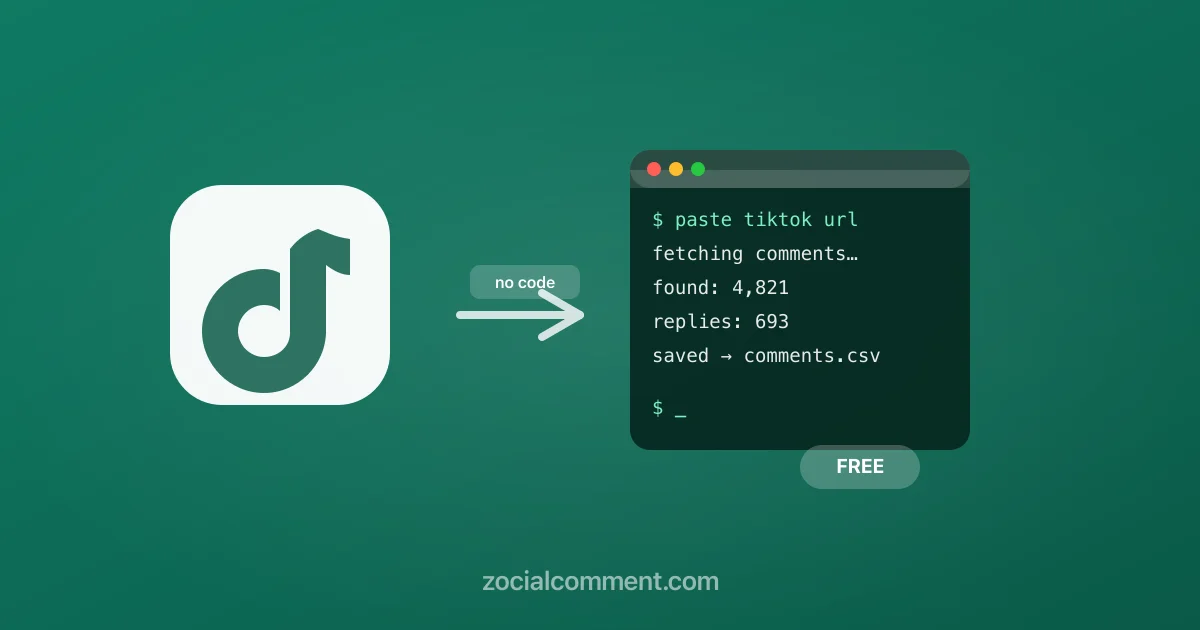
When most people hear "scrape TikTok comments" they picture a Python script, rotating proxies, and a weekend lost to Stack Overflow. In reality, for the vast majority of use cases — brand research, influencer vetting, market analysis — you don't need to write a single line of code.
This guide covers every approach from the simplest (paste a URL, get a CSV) to the most flexible (custom code for automation), so you can pick the right tool for your actual situation.
Why scrape TikTok comments?
TikTok's in-app interface gives you comments one scroll at a time. There's no export button, no bulk download, no official API for public comment data. That's why people scrape — they need the raw data.
Common use cases:
- Influencer vetting — checking whether an account's engagement is genuine before a paid partnership. Bots leave short, generic comments; real audiences leave specific reactions. You can't spot this pattern by eye on a 10,000-comment video.
- Market research — finding out what customers actually say about a product, competitor, or trend in unfiltered language.
- Content strategy — identifying which video topics drive real discussion vs. passive views.
- Campaign reporting — pulling comment data from a branded hashtag or sponsored post for a client report.
- Academic research — studying language patterns, cultural trends, or platform behaviour at scale.
The 3 ways to scrape TikTok comments
1. No-code exporter (fastest, works for most people)
A hosted TikTok comment scraper handles the hard parts — authentication, pagination, rate limiting, data parsing — and gives you a clean file at the end. You paste a video URL. You get a CSV.
ZocialComment is built exactly for this. Paste a TikTok video URL and it exports every public comment including threaded replies. The free tier gives you the first 100 comments of any video with no signup and no daily limit. For larger volumes, a 3-Day Pass removes the daily cap entirely.
The exported CSV includes 40+ columns: comment text, author username, like count, reply count, timestamp, language detection, purchase intent flag (TikTok's own signal), whether it's a pinned comment, and more.
2. Apify or similar developer platforms (for automation and pipelines)
If you need to scrape TikTok comments on a schedule — say, pulling new comments from a set of videos every hour — a platform like Apify gives you programmable scraping with an API. You set up an Actor, configure it with your target URLs, and run it on a cron.
The tradeoff: it costs engineering time to set up, you pay per compute unit, and you need to update your scraper when TikTok changes its API response format (which happens regularly). For one-off or occasional exports, it's more overhead than the job justifies.
3. Build your own TikTok comment scraper
Building a custom TikTok comment scraper in Python means calling TikTok's internal API endpoints directly, handling pagination cursors, managing session tokens, and rotating user agents to avoid getting blocked. Libraries like TikTokApi can shortcut some of this, but they break on TikTok updates and require a running Playwright browser instance.
When this makes sense: when you need deep customisation, have specific infrastructure requirements, or are building a commercial product. For most research and marketing tasks, it's overkill.
Step-by-step: scraping TikTok comments for free
Here's how to use ZocialComment to scrape TikTok comments without any setup:
Step 1 — Copy TikTok video URLs
Open TikTok in a browser (or the app). Navigate to the video you want to scrape. Copy the URL from the address bar. It looks like https://www.tiktok.com/@username/video/7638318227994725640. Short share links (vt.tiktok.com/...) work too.
Step 2 — Paste into ZocialComment
Go to zocialcomment.com. Paste the URL into the text area — one URL per export.
Step 3 — Export Comments
Click Export Comments. ZocialComment fetches the comment count and shows you a preview. Click to start the scrape. For a video with a few hundred comments this takes under 10 seconds. For videos with tens of thousands of comments it runs in the background and emails you a download link when it's done.
Step 4 — Download your file
Download as CSV, Excel, or JSON. The CSV opens directly in Google Sheets or Excel. Each row is one comment with all metadata columns included.
What data do you get when you scrape TikTok comments?
A TikTok comment scrape via ZocialComment gives you:
- Comment text — the full content including emojis
- Author username and display name
- Like count — how many people liked the comment
- Reply count — number of threaded replies
- Timestamp — Unix epoch and human-readable date
- Reply thread — whether this is a top-level comment or a reply, and which comment it replies to
- Language — TikTok's detected language for the comment
- Purchase intent flag — TikTok's own high-purchase-intent signal
- Pinned status — whether the creator pinned the comment
- Author verified status
How many comments can you scrape?
ZocialComment exports every publicly visible comment on a video — there's no artificial cap on the number of comments per video. A video with 50,000 comments needs the Pro Pass, which covers up to 100,000 per post (the Pass covers 10,000; the free tier preview on the free plan).
TikTok's own pagination limits how fast comments can be fetched, but the exporter handles all of that automatically.
Is scraping TikTok comments legal?
Scraping public data — content anyone can see without logging in — is generally treated differently from accessing private data. TikTok comments on public videos are visible to anyone. The hiQ v. LinkedIn ruling (Ninth Circuit, 2022) affirmed that scraping publicly accessible data doesn't violate the Computer Fraud and Abuse Act.
That said, TikTok's Terms of Service prohibit automated scraping. Using a hosted exporter that operates within TikTok's public-facing endpoints is how most commercial tools navigate this — they don't require your TikTok login and don't access private data.
For commercial and research use, consult your own legal counsel if you're unsure.
Can you scrape TikTok comments for a specific hashtag?
Not directly via a single export — hashtag pages don't have a comment endpoint. The workflow is: export the list of top videos for a hashtag (using a separate tool or TikTok's Research API if you have access), then bulk-paste those video URLs into ZocialComment to scrape comments across all of them at once.
Frequently asked questions
Do I need a TikTok account to scrape comments?
No. ZocialComment works entirely on public video URLs. You never need to log in to TikTok or provide credentials of any kind.
Will scraping TikTok comments get my account banned?
Since no account login is involved, there's nothing to ban. The scraper accesses public data in the same way a browser would, without touching your TikTok credentials.
Can I scrape TikTok comments on private videos?
No. Private videos are not accessible to anyone without the creator's explicit permission. No scraper can access them.
How do I scrape TikTok comments in Python?
The most used library is TikTokApi by David Teather. It uses Playwright to drive a headless browser and intercept API responses. It works but requires maintenance as TikTok's internal API changes. For production use, a managed scraper is more reliable.
How do I export TikTok comments to Excel?
Download the CSV from ZocialComment, then open it in Excel. Excel handles CSV imports cleanly — use Data → From Text/CSV and select UTF-8 encoding to preserve emojis and non-Latin characters. Alternatively, use the direct Excel (.xlsx) download option.
What's the difference between a TikTok comment scraper and a TikTok comment extractor?
They mean the same thing. "Scraper" comes from developer terminology; "extractor" is the softer marketing term. Both refer to tools that pull comment data from TikTok videos and give you a structured file.
The fastest path from URL to data
If your goal is a clean spreadsheet of TikTok comments — for research, a client report, or influencer analysis — the fastest path is: paste the URL, click export, download the file. Try it free with 3 videos today, no signup needed. For larger volumes, the three-day pass removes all limits.