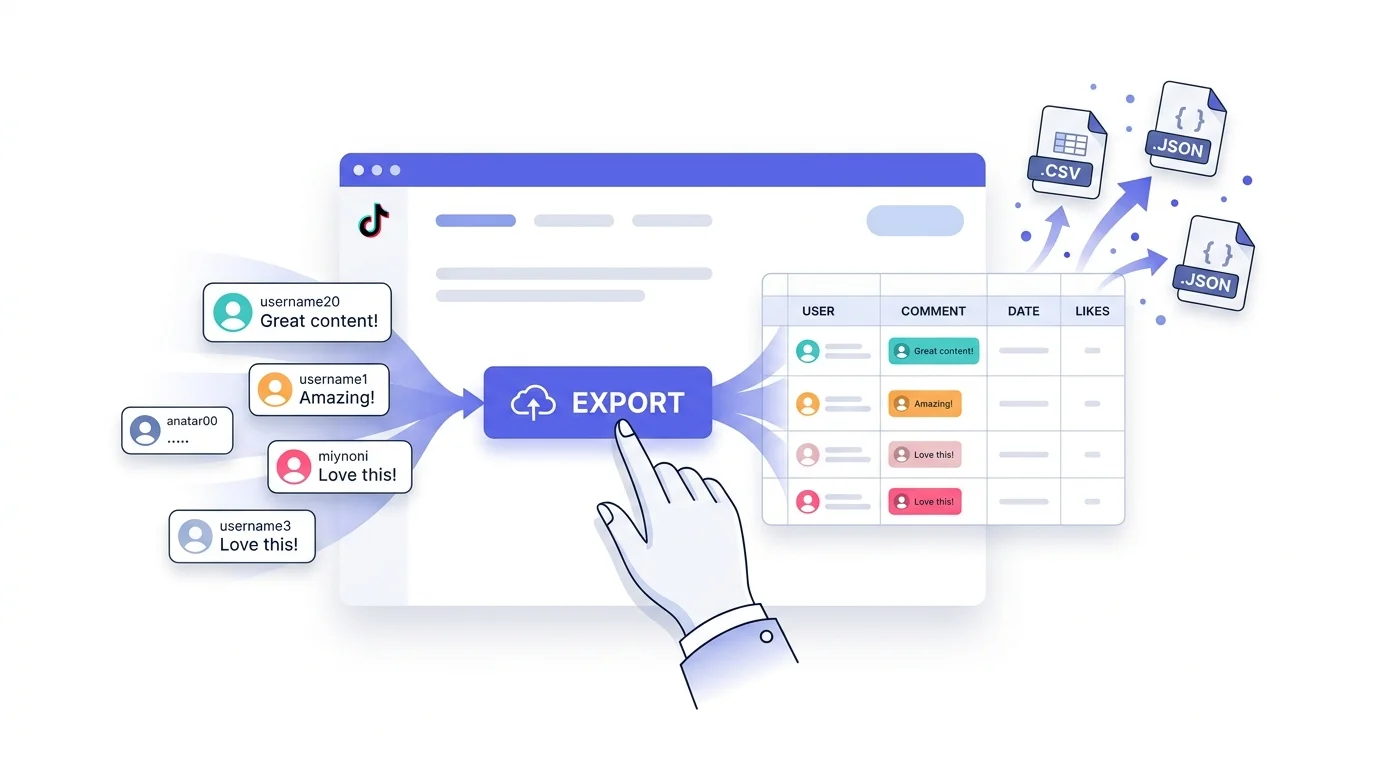
TikTok comments hold a wealth of insight — from audience sentiment and product feedback to content ideas and competitive intelligence. But TikTok doesn't offer a built-in way to export comments. If you've ever tried to manually copy hundreds (or thousands) of comments from a video, you know the pain.
In this tutorial, we'll show you how to export TikTok comments at one click using ZocialComment — no coding, no browser extensions, and no limits on comment count.
Why Export TikTok Comments?
Before we dive into the how, here's why brands, agencies, and researchers are exporting TikTok comments at scale:
- Market research — Understand what real people think about products, trends, and competitors.
- Sentiment analysis — Measure audience reaction to campaigns, launches, or viral moments.
- Content planning — Discover what your audience is asking for in the comments.
- Influencer vetting — Evaluate engagement quality by analyzing comment authenticity.
- Academic research — Study social media behavior with structured, downloadable data.
Whether you need 100 comments or 100,000, having the data in a spreadsheet or database makes analysis possible.
The Problem: No Built-In Export
TikTok's analytics dashboard gives creators basic metrics — views, likes, shares — but doesn't let you download comment data. Third-party options often involve:
- Fragile browser extensions that break with every TikTok update
- Python scripts and API keys that require technical knowledge
- Copy-pasting comments one by one (painful beyond 50 comments)
- Expensive enterprise tools with features you don't need
What most people actually want is simple: paste a URL, click a button, get a file. That's exactly what ZocialComment does.
How to Export TikTok Comments in One Click
Here's the step-by-step process. It takes less than a minute.
Step 1: Copy Your TikTok Video URL
Open the TikTok video you want to export comments from. Copy the URL from your browser's address bar or use TikTok's share button to copy the link. The URL will look something like:
https://www.tiktok.com/@username/video/1234567890
You can export comments from any public TikTok video — your own or anyone else's.
Step 2: Paste into ZocialComment
Go to the ZocialComment export page and paste the video URL. You can add multiple URLs if you want to export comments from several videos at once — perfect for batch analysis of an entire campaign or competitor's content.
Step 3: Click Export
Hit the Export button. ZocialComment fetches every comment from the video, including replies, and packages them into a clean file. You can choose between:
- CSV — Opens directly in Excel, Google Sheets, or any spreadsheet tool. Best for quick analysis and filtering.
- JSON — Structured data format for developers, data pipelines, or custom analysis scripts.
That's it. One click, one file, all comments.
What's Included in the Export
Every exported file includes the following fields for each comment:
- Username — The commenter's TikTok handle
- Comment text — The full comment content
- Likes — Number of likes on the comment
- Date — When the comment was posted
- Reply count — Number of replies in the thread
- Reply-to — Parent comment (for threaded replies)
This structured data makes it easy to sort by engagement, filter by date, or search for specific keywords across thousands of comments.
Use Cases: What People Do with Exported Comments
Brand Monitoring
Export comments from videos that mention your brand. Track sentiment over time, identify recurring praise or complaints, and respond proactively to customer concerns before they escalate.
Research & Academia
Researchers studying social media discourse, misinformation, or cultural trends use exported comments as structured datasets. CSV format imports directly into R, Python, SPSS, or any analysis tool.
Competitor Analysis
Export comments from competitor videos to discover what their audience loves, hates, and wishes for. Each complaint is a potential opportunity for your product or content strategy.
Content Ideation
Your audience tells you what they want in the comments: "Can you do a tutorial on…", "Where can I buy…", "Compare this to…". Export comments from your top-performing videos and mine them for content ideas your audience has already validated.
Influencer Evaluation
Before partnering with an influencer, export their recent video comments. Genuine engagement shows diverse, contextual comments. Fake engagement shows repetitive emojis and generic praise. Comment data reveals what follower counts hide.
Getting Started
Ready to export your first batch of TikTok comments? Head to the export page, paste a video URL, and click Export. You get 3 free exports per day — no signup required. For higher volumes, grab a one-time pass from $14.
For higher volumes, grab a one-time pass from $14 (or $39 with AI).
Stop copying comments by hand. Export them in one click.